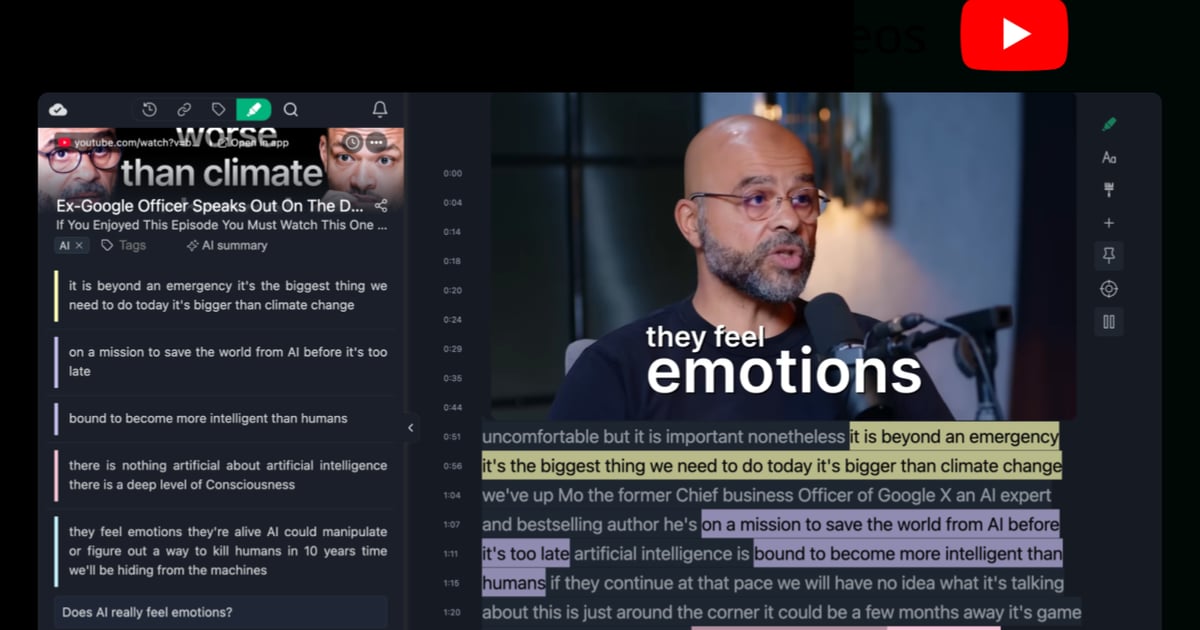
How to Take Notes From YouTube Videos Effectively
Learn how to make notes from YouTube videos effectively using timestamps, transcripts, and simple tools to turn video content into reusable notes.
22 articles tagged “Tutorial”
Learn how to make notes from YouTube videos effectively using timestamps, transcripts, and simple tools to turn video content into reusable notes.
Diigo is a popular browser extension with over 300k users. Here's a quick guide on how to import all your annotations and notes from Diigo into Web Highlights.

Learn how to use YouTube video annotations with Web Highlights to make your videos more interactive, organize key moments, and boost learning retention.
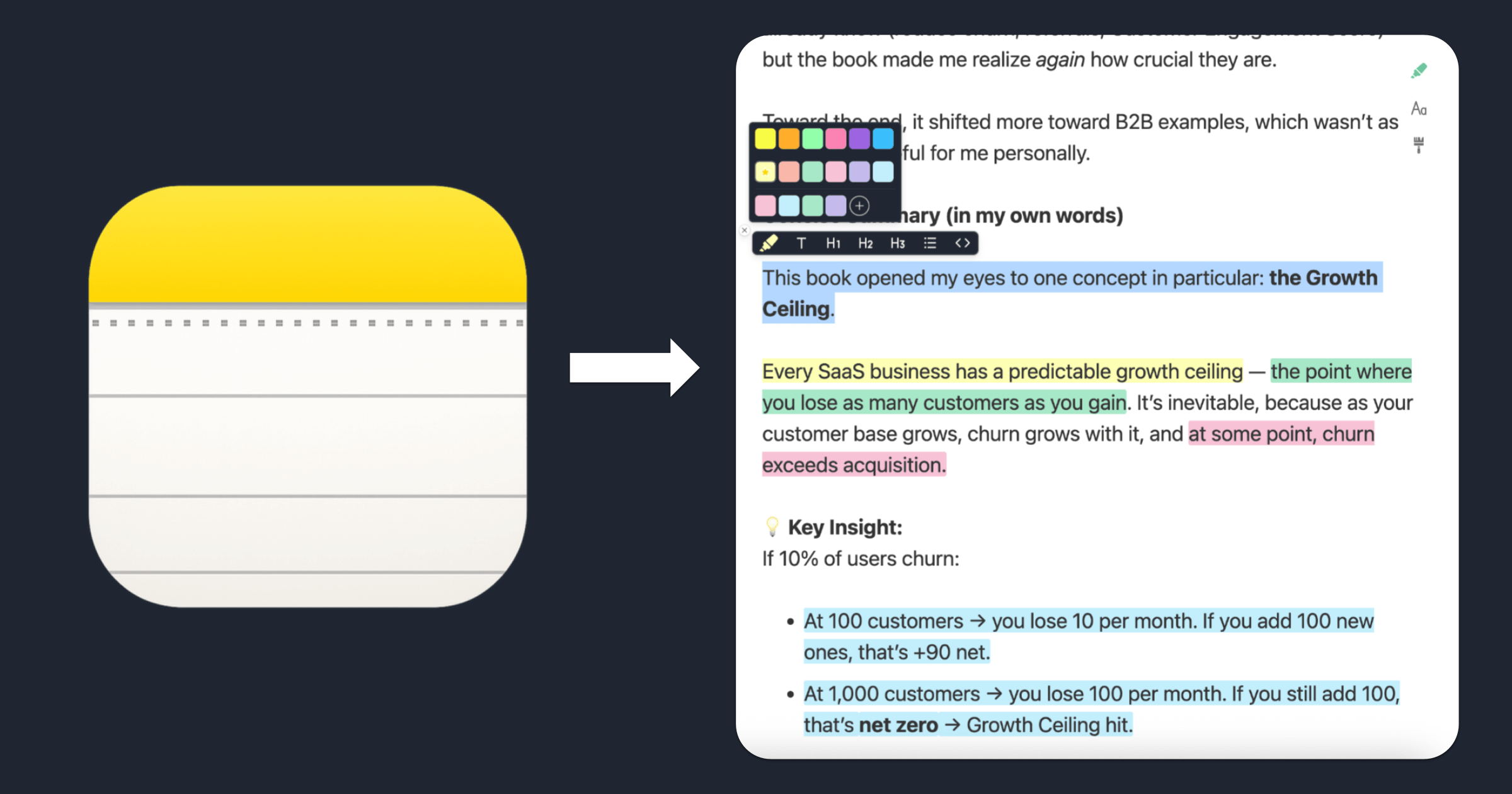
Learn how to highlight text in Apple Notes with colors using this free online tool. Copy, paste, color‑code your notes, and export them — no account required.
Pocket shuts down in July 2025. Learn how to export your Pocket saves & annotations and import them into Web Highlights—the best Pocket alternative.
Read any website in distraction-free reader mode. Highlight text, take notes, and export annotations—free, online, and no installation required.
Use our free online page marker to highlight any website—no install or signup needed. Easily annotate webpages and export notes in Markdown.

Find out why Chrome turned off your extension, what it means for you, and how to choose the best alternative.
Learn how to save bookmarks from your phone using Web Highlights. Our web app will help you bookmark any important content and keep track of it.

Weava is a popular Chrome extension with over 300k users. Here's a quick guide on how to import all your annotations and notes from Weava into Web Highlights.
Discover the power of image highlighting with Web Highlights! Easily save images alongside text, bookmarks, and notes. Upgrade now to highlight images!

Learn how to export your research data to Capacities using Web Highlights. Follow our step-by-step guide to improve your workflow and productivity.

Learn how to effortlessly add Chrome extensions to Microsoft Edge! Follow our step-by-step guide for seamless integration and enhance your browsing experience.

Discover how to transform your Kindle highlights into instant study flashcards, ensuring you remember everything from the books you've read.
Learn how to build a custom Chrome history extension with React in this guide. Explore the Chrome History API and improve your browsing experience.

Hey, I’m Marius 👋 I created this Chrome highlighter to help me better organize my online research. In this article, I want to make sure you get off to a great start – I hope you end up loving the app as much as I do ♥️
Most people only retain 10% of what they read. Luckily there are strategies and tools we can use to remember more when reading and learning.
How to build a beautiful New Tab Chrome Extension with plain HTML, CSS, JavaScript, and Web Components

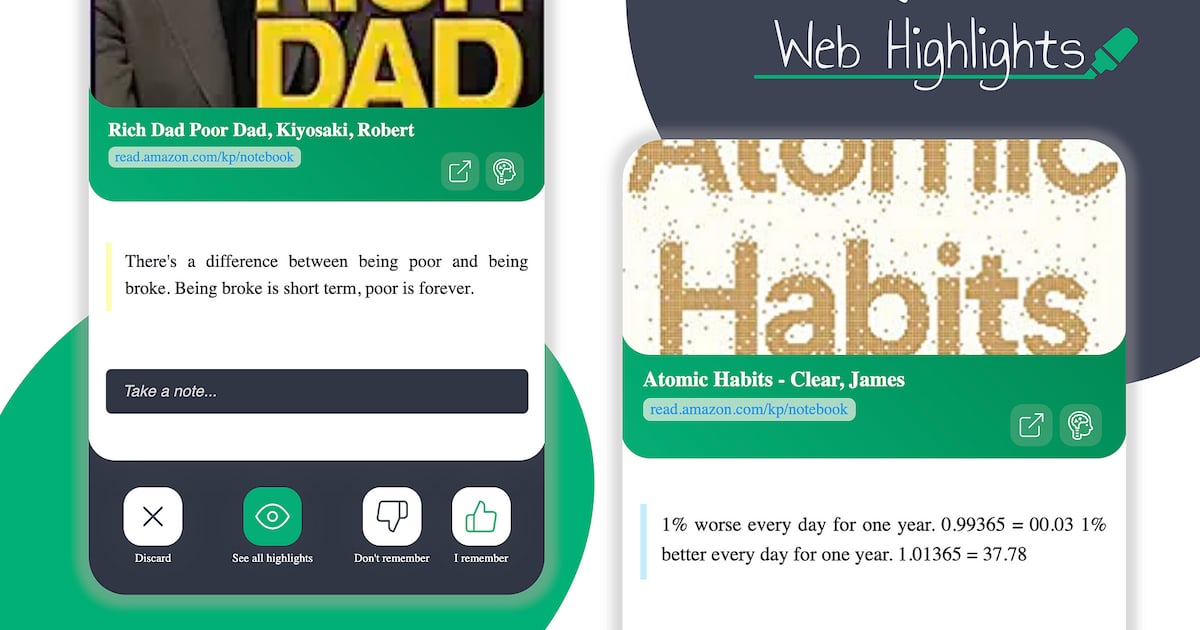
Web Highlights allows us to easily copy all highlights with all necessary metadata and information into, e.g., Notion or Obsidian.

A central organized tool helps to structure your research. Export highlights & notes to Notion using the Web Highlights Chrome Extension.
Easily highlight local and online PDFs in Chrome, Edge, and Brave using Web Highlights. Keep your research organized and accessible on any device!
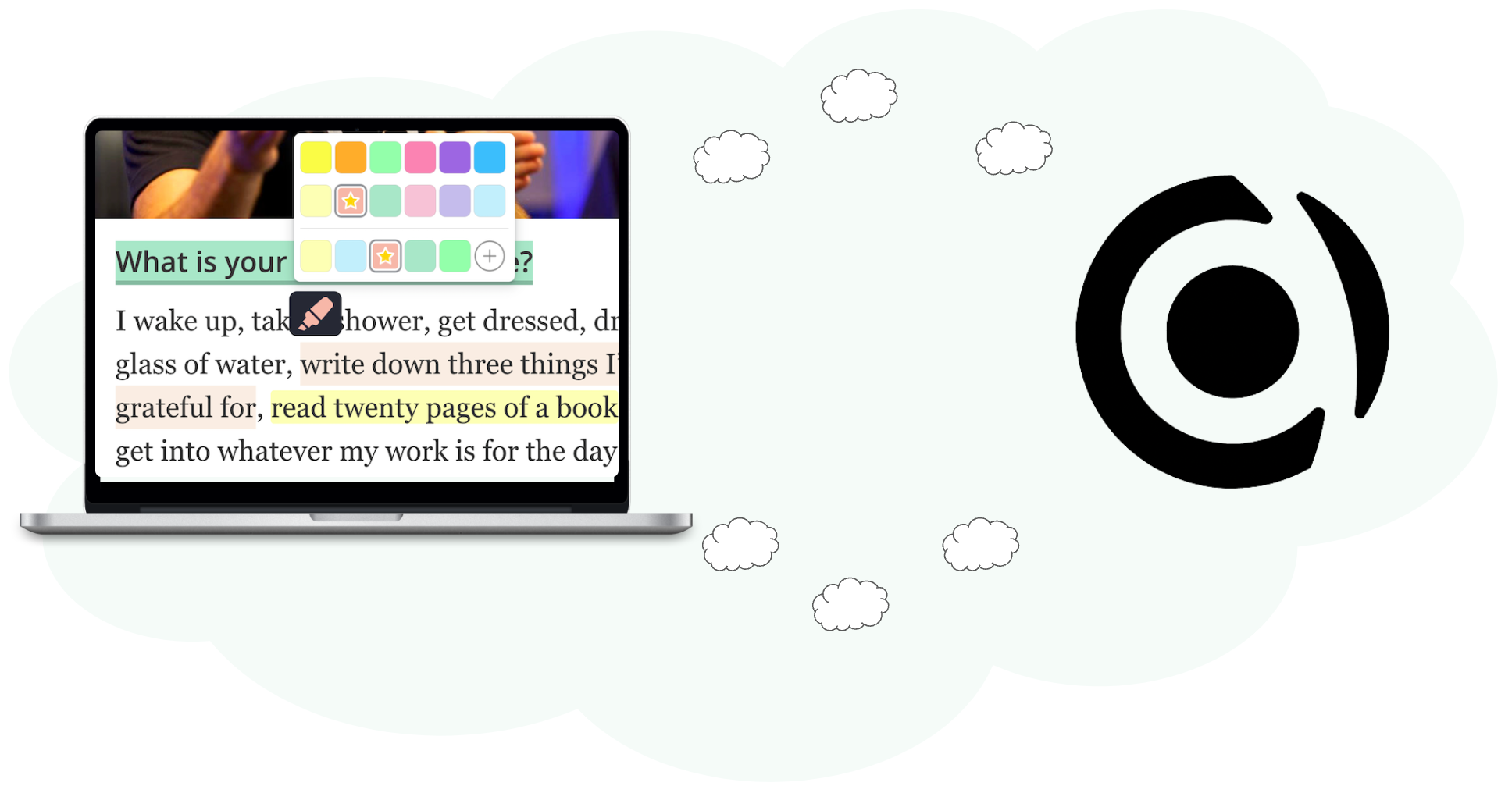
Boost your productivity with Web Highlights. With the pdf & web highlighter, you can highlight on the internet just like you do it in books.