How to Import Highlights from Diigo into Web Highlights
Diigo is a popular browser extension with over 300k users. Here's a quick guide on how to import all your annotations and notes from Diigo into Web Highlights.
Export Chrome bookmarks, send highlights to Notion or Capacities, keep Obsidian in sync with Markdown exports, and migrate Pocket, Weava, or Diigo libraries into one place. Web Highlights is the capture layer for PDF and web research—then you pipe structured notes into the PKM stack you already use (including Kindle → Notion workflows) with native export paths instead of endless copy-paste.
Diigo is a popular browser extension with over 300k users. Here's a quick guide on how to import all your annotations and notes from Diigo into Web Highlights.

Learn how to export bookmarks from Chrome, Firefox, Edge & Safari. Restore them in any browser or import into Web Highlights — your bookmark manager.
Pocket shuts down in July 2025. Learn how to export your Pocket saves & annotations and import them into Web Highlights—the best Pocket alternative.
Discover why Web Highlights is the top Weava alternative in this detailed review, offering a secure and customizable annotation tool customized to your needs.

Weava is a popular Chrome extension with over 300k users. Here's a quick guide on how to import all your annotations and notes from Weava into Web Highlights.
In this article, I will show you how you can seamlessly connect Web Highlights to Notion and export pages and highlights directly to your workspace.

Learn how to export your research data to Capacities using Web Highlights. Follow our step-by-step guide to improve your workflow and productivity.

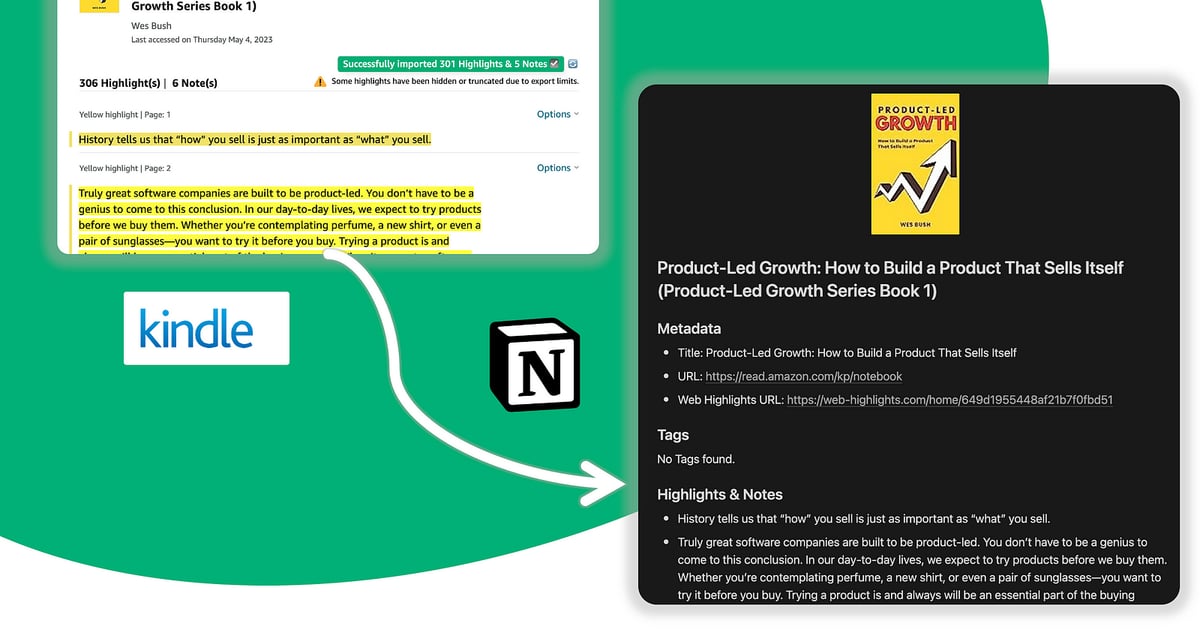
Export your Kindle highlights to any external tool that supports the markup language using the PDF & Web Highlighter Chrome Extension

Web Highlights allows us to easily copy all highlights with all necessary metadata and information into, e.g., Notion or Obsidian.

A central organized tool helps to structure your research. Export highlights & notes to Notion using the Web Highlights Chrome Extension.