
Top 10 Chrome PDF Extensions: The Great Comparison
Compare the 10 best PDF extensions for Chrome. We tested Web Highlights, Smallpdf, Adobe Acrobat, Kami and more on reading, editing and signing.
2026-08-28T10:00:00.000+00:0023 min read
Read article Highlighting should feel as natural as a physical marker, but with superpowers: multi-color marks, notes, tags, and sync. Web Highlights is built for both web pages and PDFs, so you can keep one workflow instead of juggling separate “PDF only” or “website only” tools.
Compare the 10 best PDF extensions for Chrome. We tested Web Highlights, Smallpdf, Adobe Acrobat, Kami and more on reading, editing and signing.
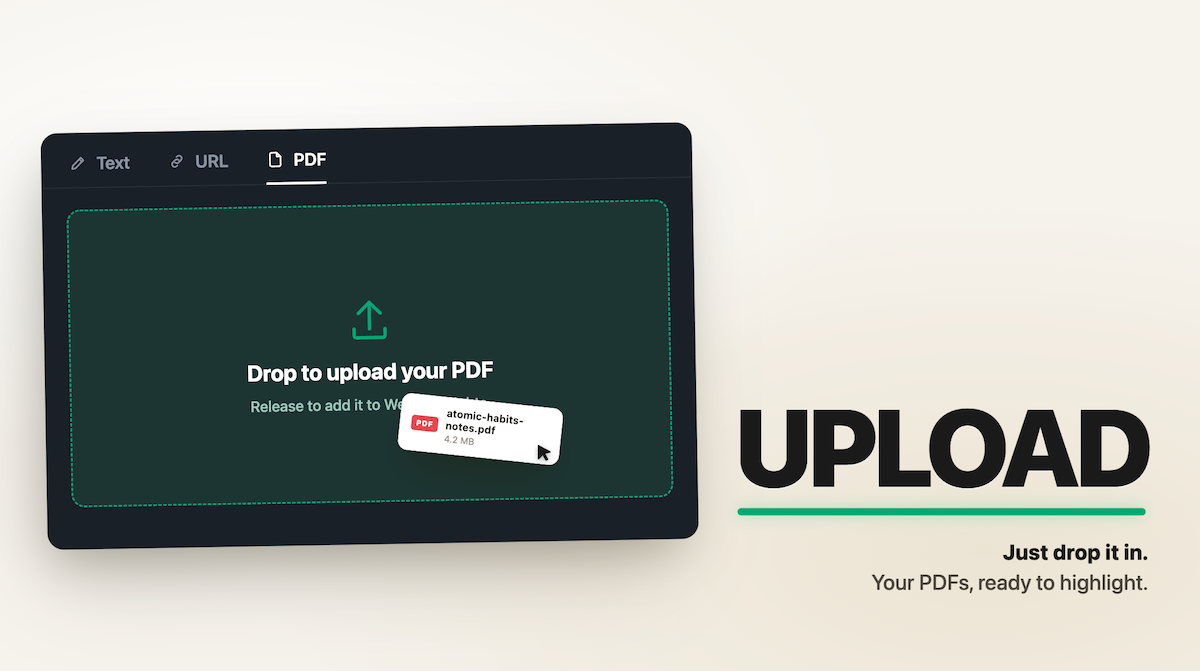
You can't highlight a PDF in Chrome. You can open one and read it, sure. But try to mark a sentence, and there's nothing there to do it with. I built a PDF highlighter tool, so I hear about this one a lot. My usual answer was: install my browser extension, or install something like Acrobat. Fine advice — unless you've got a single PDF to mark up and no interest in installing anything for it. So I built a version that skips all that. It's a web page: open it, drop in a PDF, and highlight away.
Looking for a lightweight Adobe PDF alternative? Compare the best tools for reading, annotating, editing, and summarizing PDF files in your browser.
Learn how to highlight in Obsidian using Markdown and Web Highlights. Add colors, tags, notes, and one-click export for faster, cleaner notes.
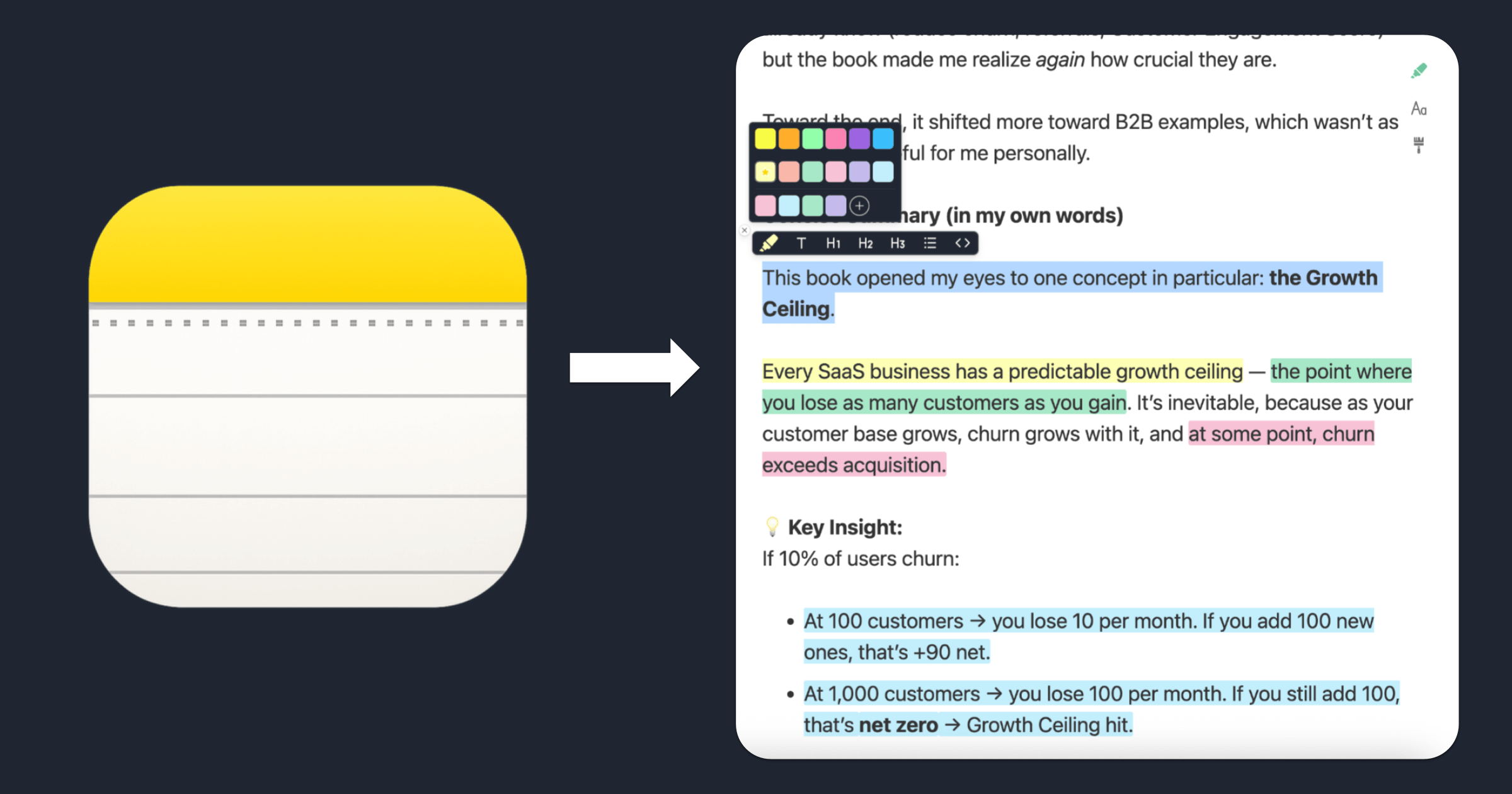
Learn how to highlight text in Apple Notes with colors using this free online tool. Copy, paste, color‑code your notes, and export them — no account required.

Learn how to annotate a PDF in Chrome using Web Highlights. Highlight text, add notes, tag content, and export to different platforms. No extra tools needed.

Use our free online page marker to highlight any website—no install or signup needed. Easily annotate webpages and export notes in Markdown.
Get the most out of Web Highlights with 5 powerful highlighting tips! Learn to disable the popup, use shortcuts, customize your sidebar, and more.
Looking for the best Chrome highlighter? Explore our top 10 picks to highlight text, add notes, and manage highlights. Organize your work today!
Learn how to annotate a PDF easily with these five simple steps using Web Highlights. Make your document review and note-taking more efficient and organized.

Do you ever make notes or highlights and never revisit them? It often feels like everything we read is crucial, but we're encountering it at the wrong time.
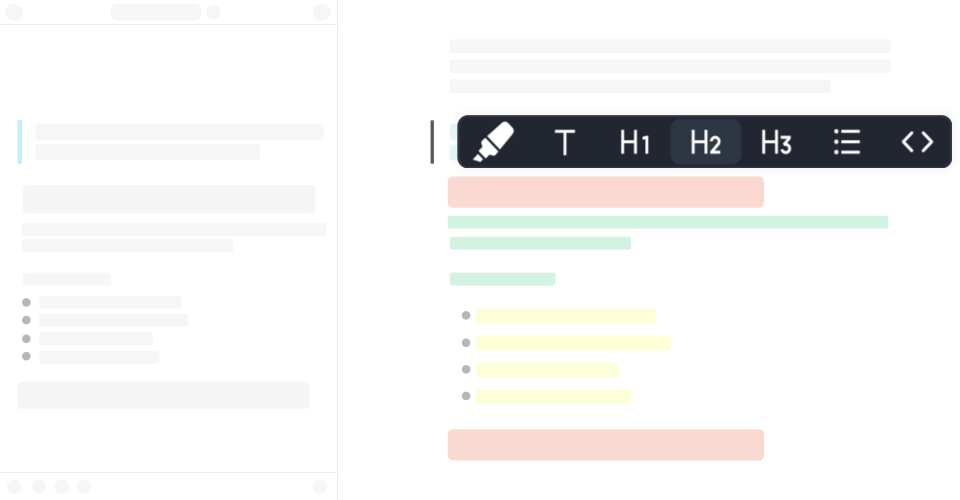
Discover how formatted highlighting transforms your reading experience. Learn tips and techniques to make your highlights more effective and organized.

Discover the power of image highlighting with Web Highlights! Easily save images alongside text, bookmarks, and notes. Upgrade now to highlight images!
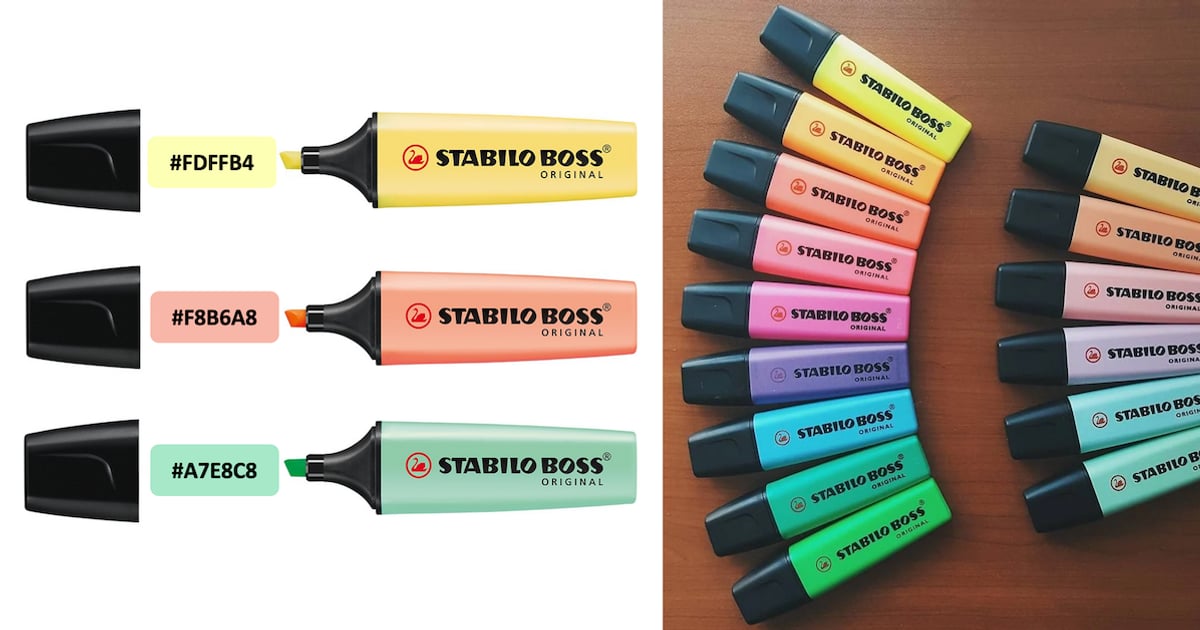
Highlight web pages with Stabilo Boss colors using Web Highlights, a free Chrome extension. Customize colors and highlight text online easily.

Improve your ChatGPT productivity with Web Highlights Chrome Extension. Highlight and tag texts to organize your research and ChatGPT conversations.

Welcome to the Web Highlights Extension FAQ! This article should answer your questions and help you get the most out of our extension.
Easily highlight local and online PDFs in Chrome, Edge, and Brave using Web Highlights. Keep your research organized and accessible on any device!

Boost your productivity with Web Highlights. With the pdf & web highlighter, you can highlight on the internet just like you do it in books.