
Top 10 Chrome PDF Extensions: The Great Comparison
Compare the 10 best PDF extensions for Chrome. We tested Web Highlights, Smallpdf, Adobe Acrobat, Kami and more on reading, editing and signing.
2026-08-28T10:00:00.000+00:0023 min read
Read article Annotation turns passive scrolling into real understanding. Whether you need marginal notes for research, structured tags for coursework, or quick highlights for newsletters, Web Highlights keeps every mark anchored to the source—so you can review, search, and export without losing context.
Compare the 10 best PDF extensions for Chrome. We tested Web Highlights, Smallpdf, Adobe Acrobat, Kami and more on reading, editing and signing.
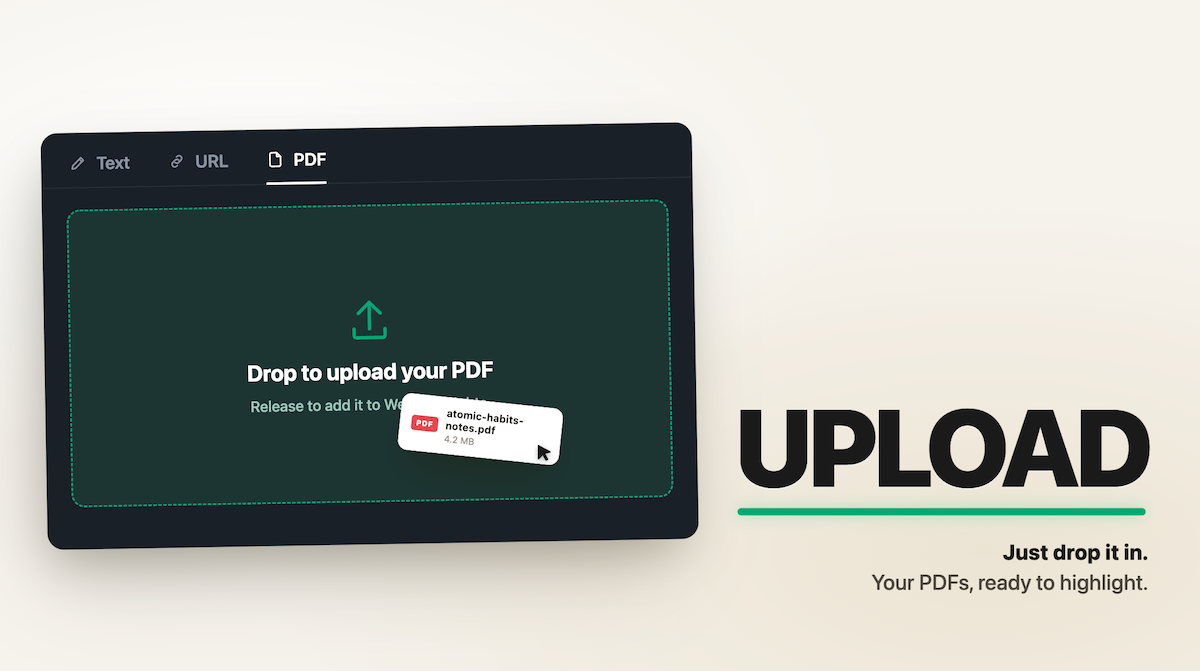
You can't highlight a PDF in Chrome. You can open one and read it, sure. But try to mark a sentence, and there's nothing there to do it with. I built a PDF highlighter tool, so I hear about this one a lot. My usual answer was: install my browser extension, or install something like Acrobat. Fine advice — unless you've got a single PDF to mark up and no interest in installing anything for it. So I built a version that skips all that. It's a web page: open it, drop in a PDF, and highlight away.

Learn how to active reading online with proven active reading strategies that improve reading comprehension, memory, and research organization.
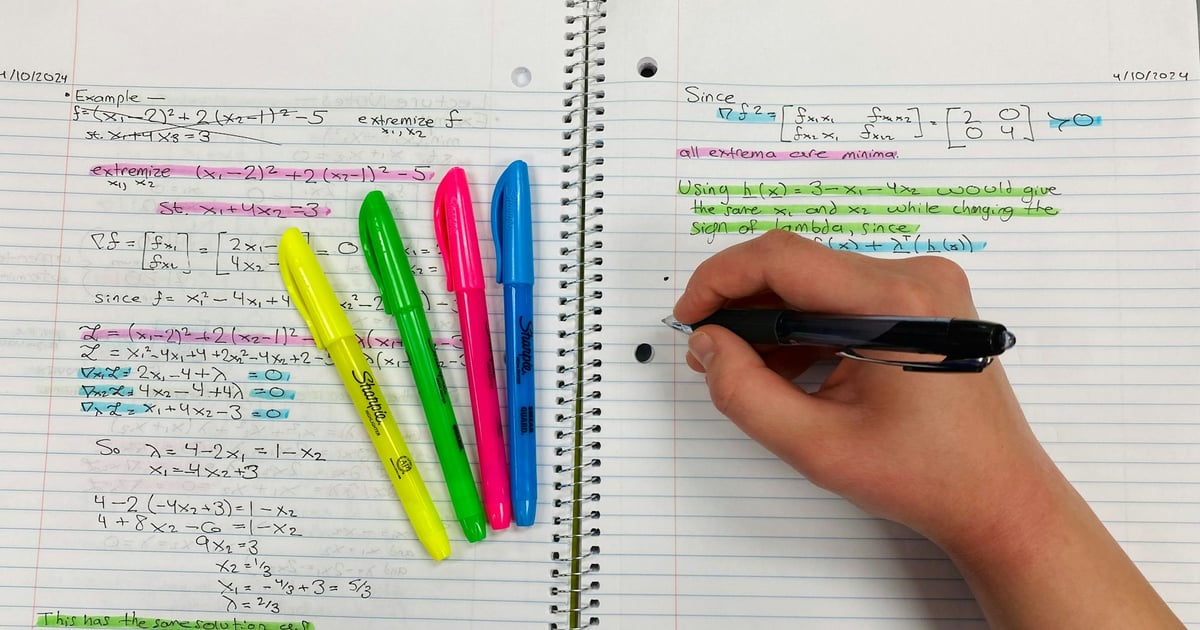
Learn what web annotation is, how it works, and why students and researchers use web annotation to study, review sources, and keep context online.
Looking for a lightweight Adobe PDF alternative? Compare the best tools for reading, annotating, editing, and summarizing PDF files in your browser.
Diigo is a popular browser extension with over 300k users. Here's a quick guide on how to import all your annotations and notes from Diigo into Web Highlights.
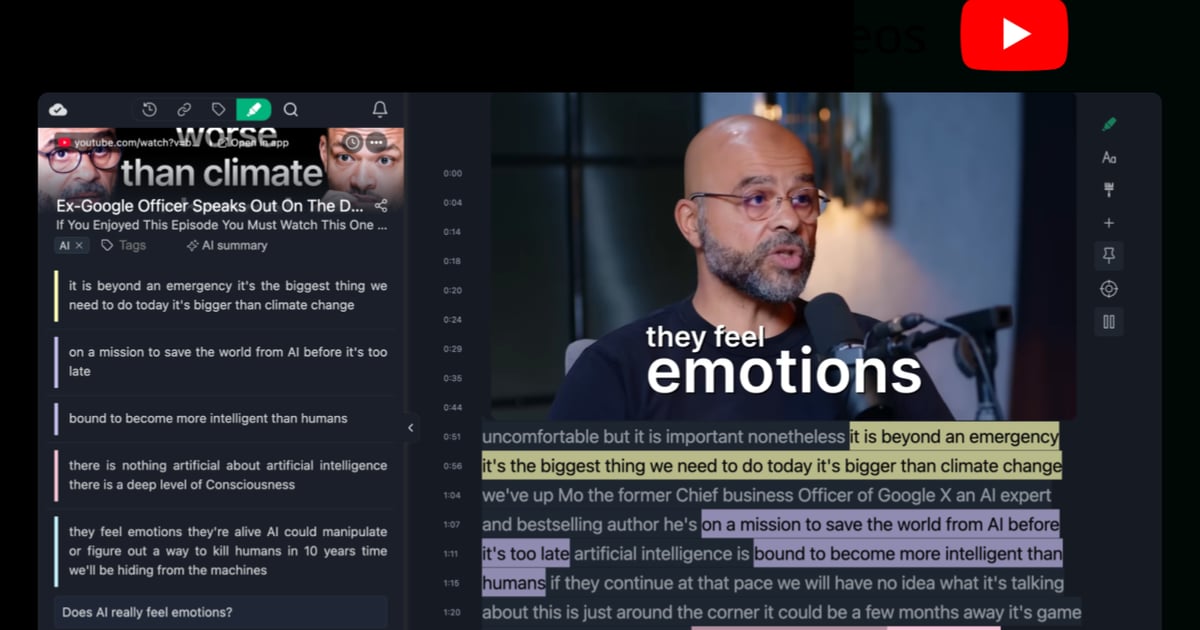
Learn how to use YouTube video annotations with Web Highlights to make your videos more interactive, organize key moments, and boost learning retention.

Struggling with dyslexia? These 10 annotation and reading tools for dyslexic students in 2025 can help improve focus, comprehension, and learning confidence.

Learn how to annotate a PDF in Chrome using Web Highlights. Highlight text, add notes, tag content, and export to different platforms. No extra tools needed.

Use our free online page marker to highlight any website—no install or signup needed. Easily annotate webpages and export notes in Markdown.
Discover the key differences between Raindrop and Web Highlights, two powerful tools for bookmarking, annotating, and organizing online content.

Learn the best text annotation tools for researchers and academics. Improve your research organization and productivity through tags, notes, and highlights.
Get the most out of Web Highlights with 5 powerful highlighting tips! Learn to disable the popup, use shortcuts, customize your sidebar, and more.

Learn 10 practical annotation examples to improve your reading experience. Annotate texts effectively with tips on highlighting, text data labeling, and more.
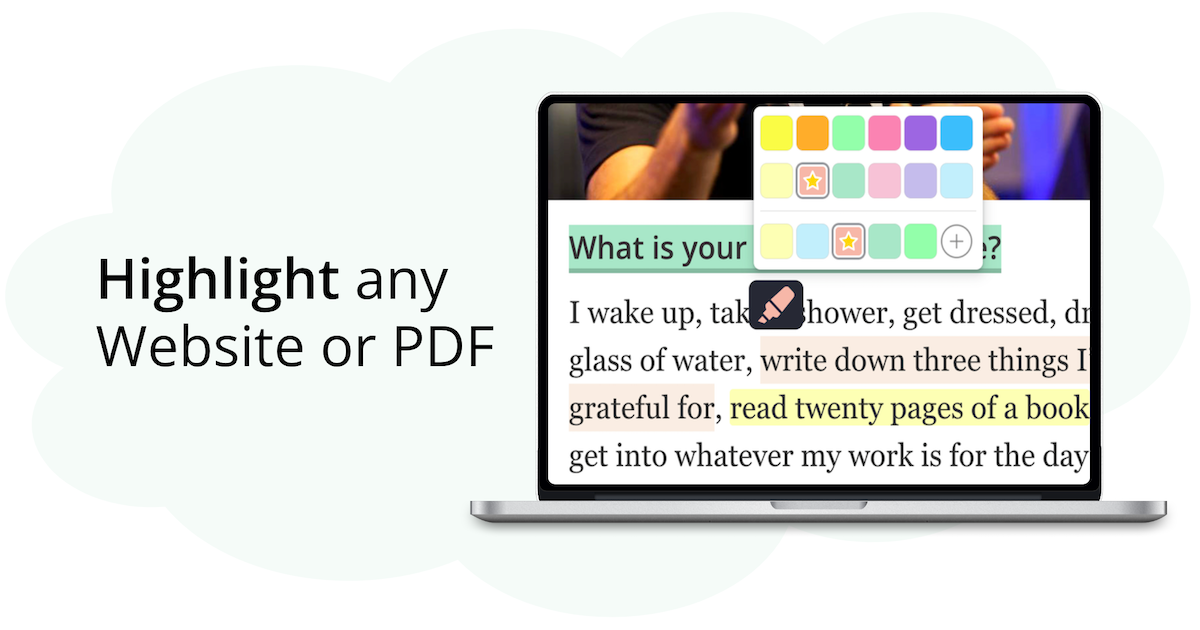
Discover why Web Highlights is the top Weava alternative in this detailed review, offering a secure and customizable annotation tool customized to your needs.

Learn how to create study guides using Web Highlights by highlighting, organizing, and summarizing key information. Simplify your study process now.
Learn how to annotate online articles in 5 simple steps using Web Highlights. Get features like tags, notes, and export tools for researchers.

Struggling to find high-quality annotation tools? Check out our list of 10 advanced article tools, making annotations easy for researchers and students!
Weava is a popular Chrome extension with over 300k users. Here's a quick guide on how to import all your annotations and notes from Weava into Web Highlights.
Learn how to annotate a PDF easily with these five simple steps using Web Highlights. Make your document review and note-taking more efficient and organized.

Boost your productivity with Web Highlights. With the pdf & web highlighter, you can highlight on the internet just like you do it in books.

Web Highlights vs. Hypothesis compared for students. See which tool works better for PDFs, YouTube study, summaries, flashcards, and personal learning.