Import
Weava Import
Import your highlights & bookmarks from the Weava Chrome Extension
How it works
Export Weava CSV File
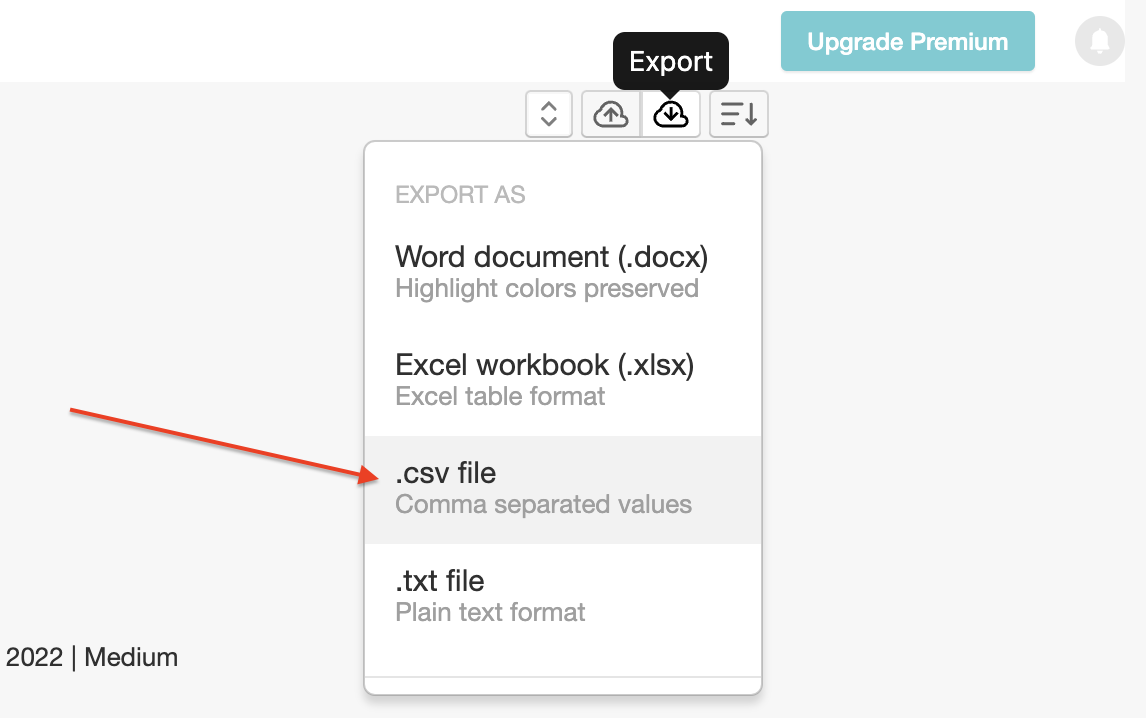
Visit the Weava dashboard and export your highlights to a .csv file and save it to your computer.
Upload .CSV File To Web Highlights
In Web Highlights, open Settings → Integrations → Weava Import. Click 'Upload Weava CSV File' and select the exported Weava .csv file.
Import your Weava Research
If you've uploaded the right Weava CSV file, you'll see a button to import your highlights and pages. Click it, and Web Highlights will import your Weava research.
Learn more
Read the full walkthrough on our blog: Weava Import guide
Try it in Web Highlights
Open the app and go to Settings → Integrations to use this integration — the same steps as on this page.
Open Web Highlights