
Top 10 Chrome SEO Extensions: The Great Comparison
Compare the 10 best SEO extensions for Chrome — Detailed SEO, Ahrefs, Ubersuggest and more — on data, free limits and privacy.
Sep 4, 2026 min read
Read article 15 articles tagged “Productivity”
Compare the 10 best SEO extensions for Chrome — Detailed SEO, Ahrefs, Ubersuggest and more — on data, free limits and privacy.
Compare the 10 best email finder extensions for Chrome — Hunter, Snov.io, Apollo and more — on what users report about accuracy, credits and bounces.
Compare the 12 best Chrome bookmark manager extensions — Web Highlights, Raindrop.io, Session Buddy, Toby and more — ranked by score, with a clear top pick.
Habit tracker apps compared: 10 top picks side by side. Discover which apps like HabitKit, Loop, and Habitica work best for building daily routines.

Learn the best text annotation tools for researchers and academics. Improve your research organization and productivity through tags, notes, and highlights.

Learn how to use productivity tools like Web Highlights to increase your productivity. Organization with tags, take notes and optimize online learning.

There are 137,345 Chrome Extensions, based on TrueList. I’ll show you the top-rated with over 4.8 stars and more than 100k active users.
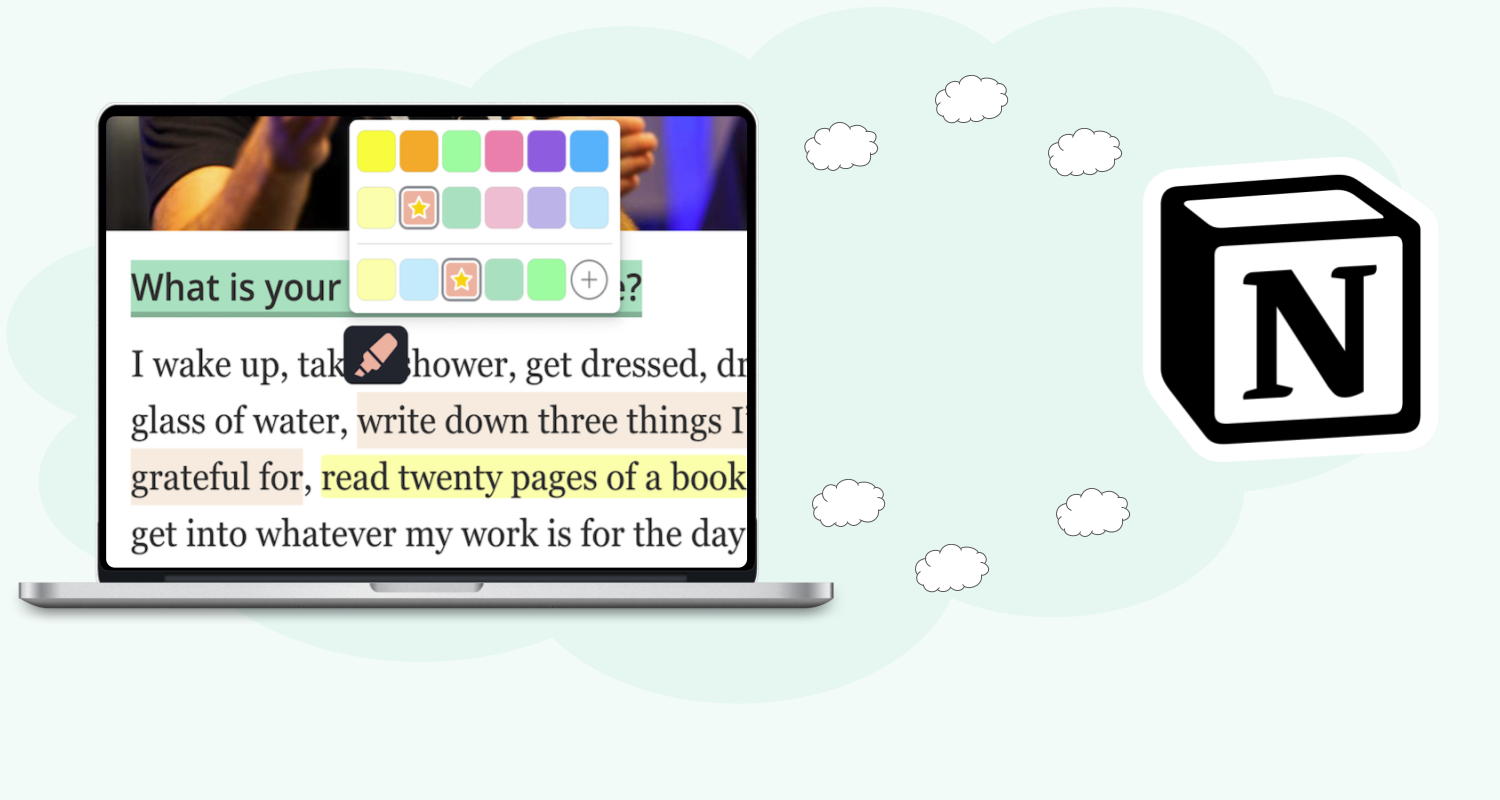
In this article, I will show you how you can seamlessly connect Web Highlights to Notion and export pages and highlights directly to your workspace.
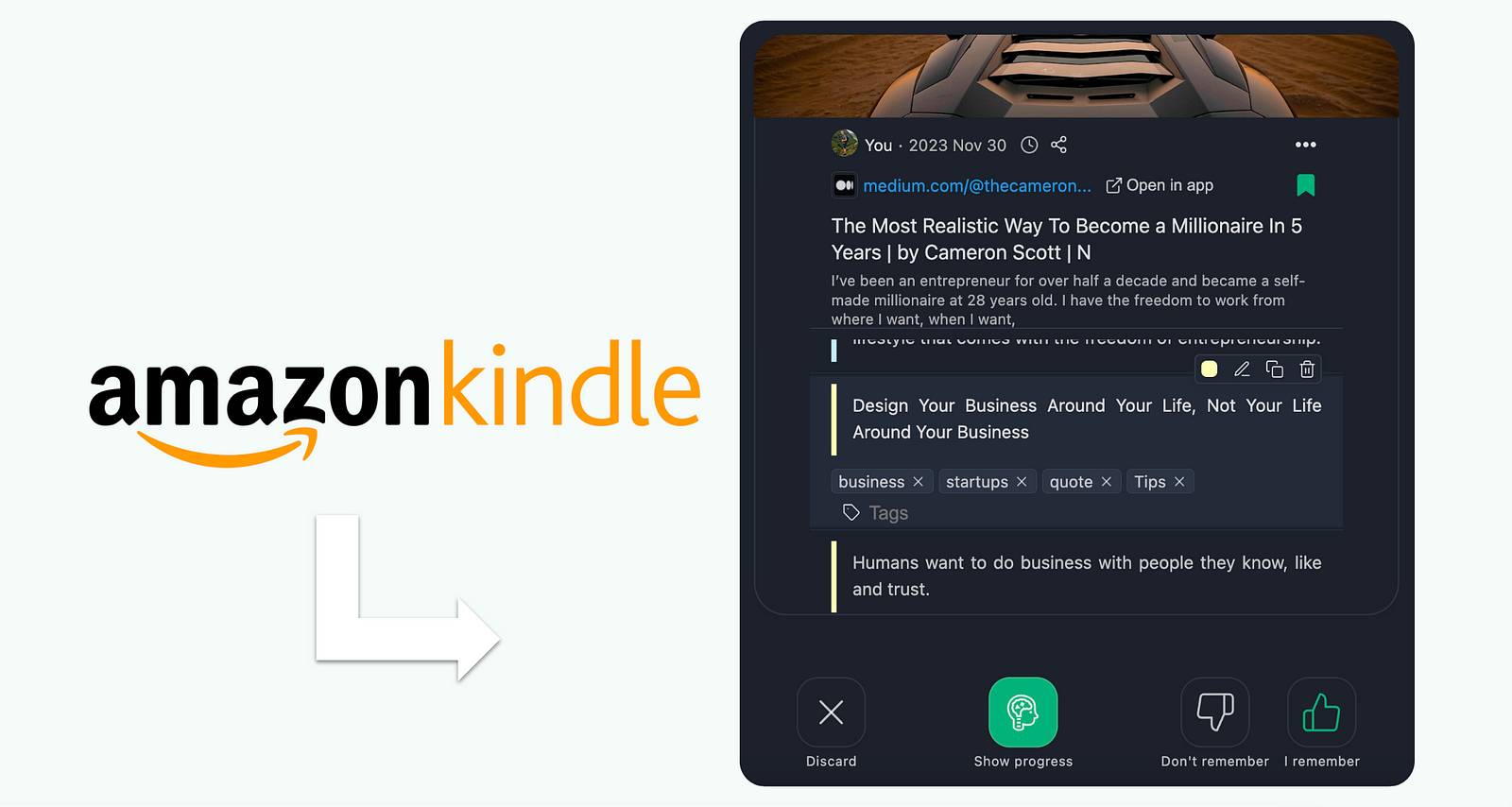
Remember what you read on Kindle with Web Highlights. Using spaced repetition, it reinforces quotes and facts at optimal intervals to boost your memory.

Do you ever make notes or highlights and never revisit them? It often feels like everything we read is crucial, but we're encountering it at the wrong time.
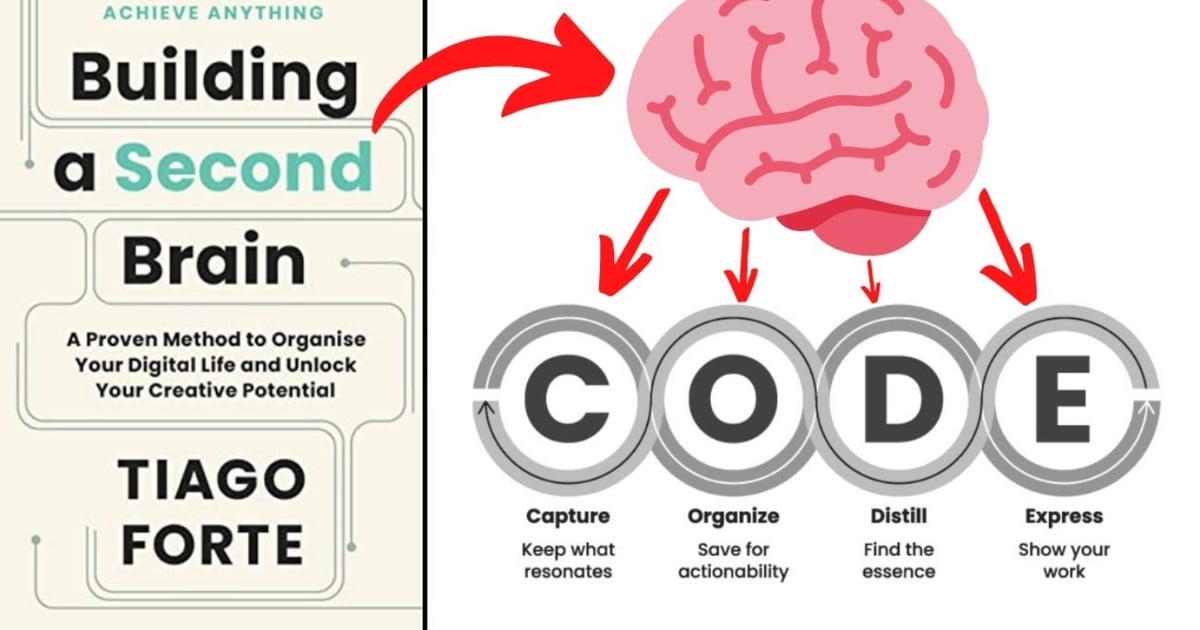
Unlock your creative potential with Tiago Forte's "Building a Second Brain" digital system. Discover the transformative 'CODE' technique and 'PARA' method.

Compare the best Chrome extensions for highlighting PDFs and web pages. Top pick: Web Highlights at 4.8 ⭐ from 5,000+ ratings (checked 2026-09-23).

Discover the top 7 Chrome extensions that increase developer productivity in 2023, saving you hours each week with improved tools and features.

Boost your productivity with Web Highlights. With the pdf & web highlighter, you can highlight on the internet just like you do it in books.

Just like you do on books, highlight on any web page or PDF, and take notes. Organize with tags and find your research in the app.