
How to Annotate Any Online Article (Free, No Installation)
Use our free online page marker to highlight any website—no install or signup needed. Easily annotate webpages and export notes in Markdown.
May 12, 2025 min read
Read article Get Started with Web Highlights. Here is a collection of posts that can help you to get started with the online PDF & Web Highlighter.
Use our free online page marker to highlight any website—no install or signup needed. Easily annotate webpages and export notes in Markdown.

Get the most out of Web Highlights with 5 powerful highlighting tips! Learn to disable the popup, use shortcuts, customize your sidebar, and more.

Learn how to save bookmarks from your phone using Web Highlights. Our web app will help you bookmark any important content and keep track of it.
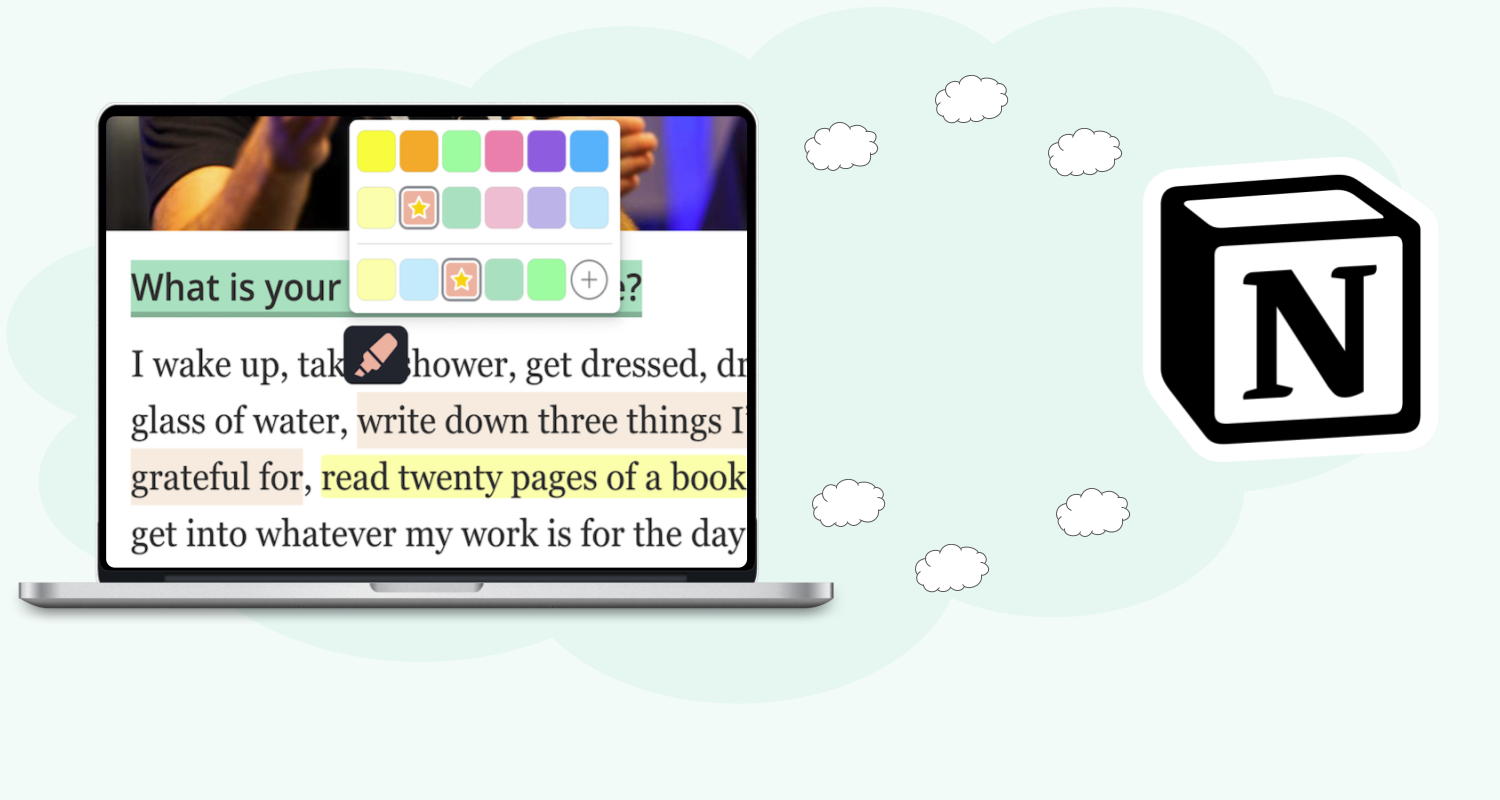
In this article, I will show you how you can seamlessly connect Web Highlights to Notion and export pages and highlights directly to your workspace.

Learn how to run AI with the Smart Second Brain plugin for Obsidian. Improve your note-taking by using advanced AI features within your own system.
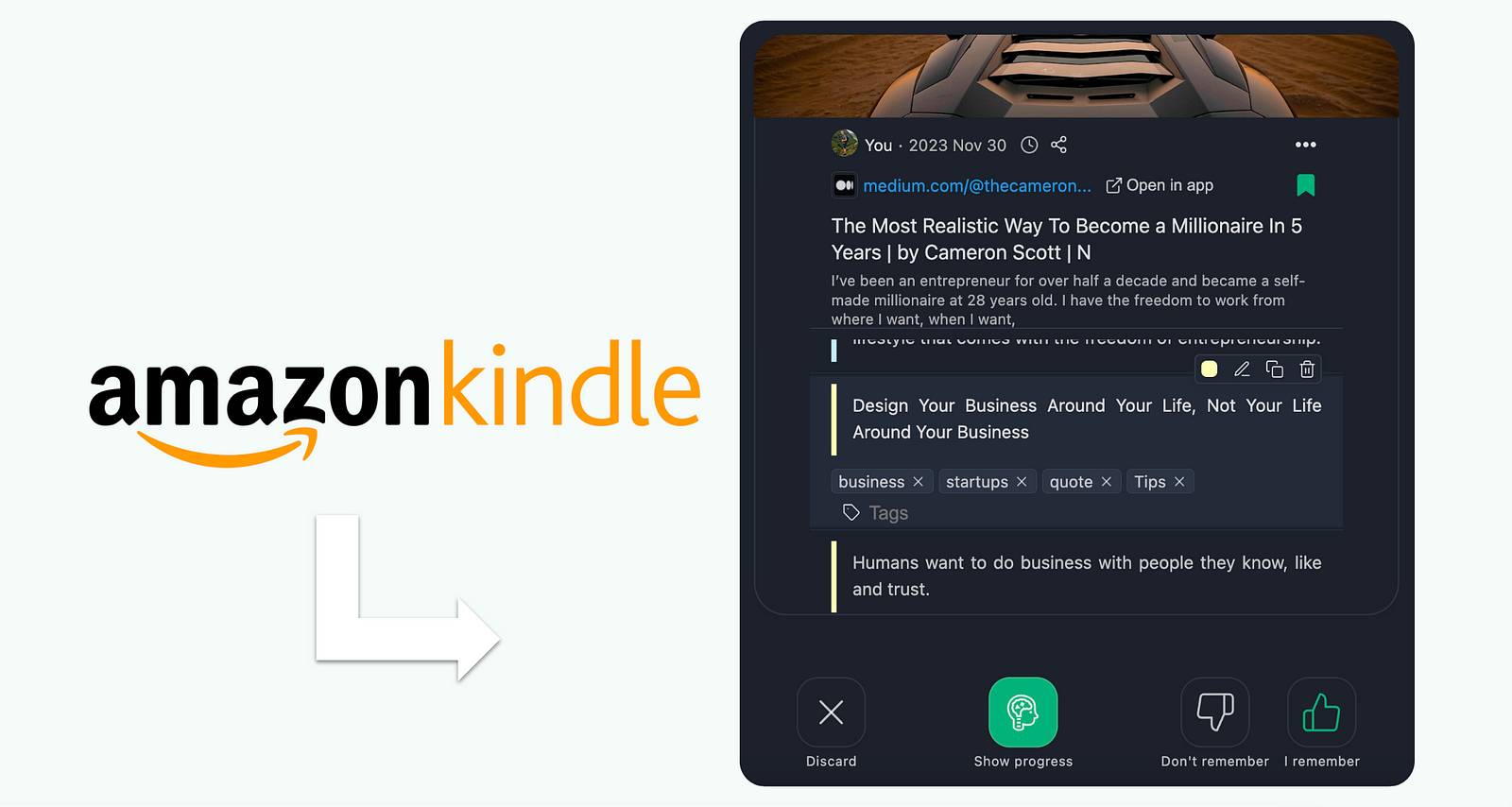
Remember what you read on Kindle with Web Highlights. Using spaced repetition, it reinforces quotes and facts at optimal intervals to boost your memory.
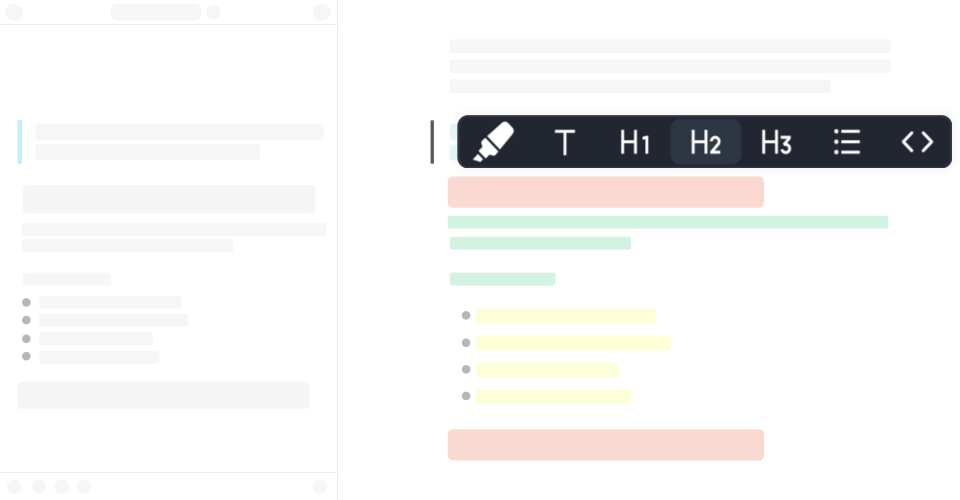
Discover how formatted highlighting transforms your reading experience. Learn tips and techniques to make your highlights more effective and organized.

Discover the power of image highlighting with Web Highlights! Easily save images alongside text, bookmarks, and notes. Upgrade now to highlight images!
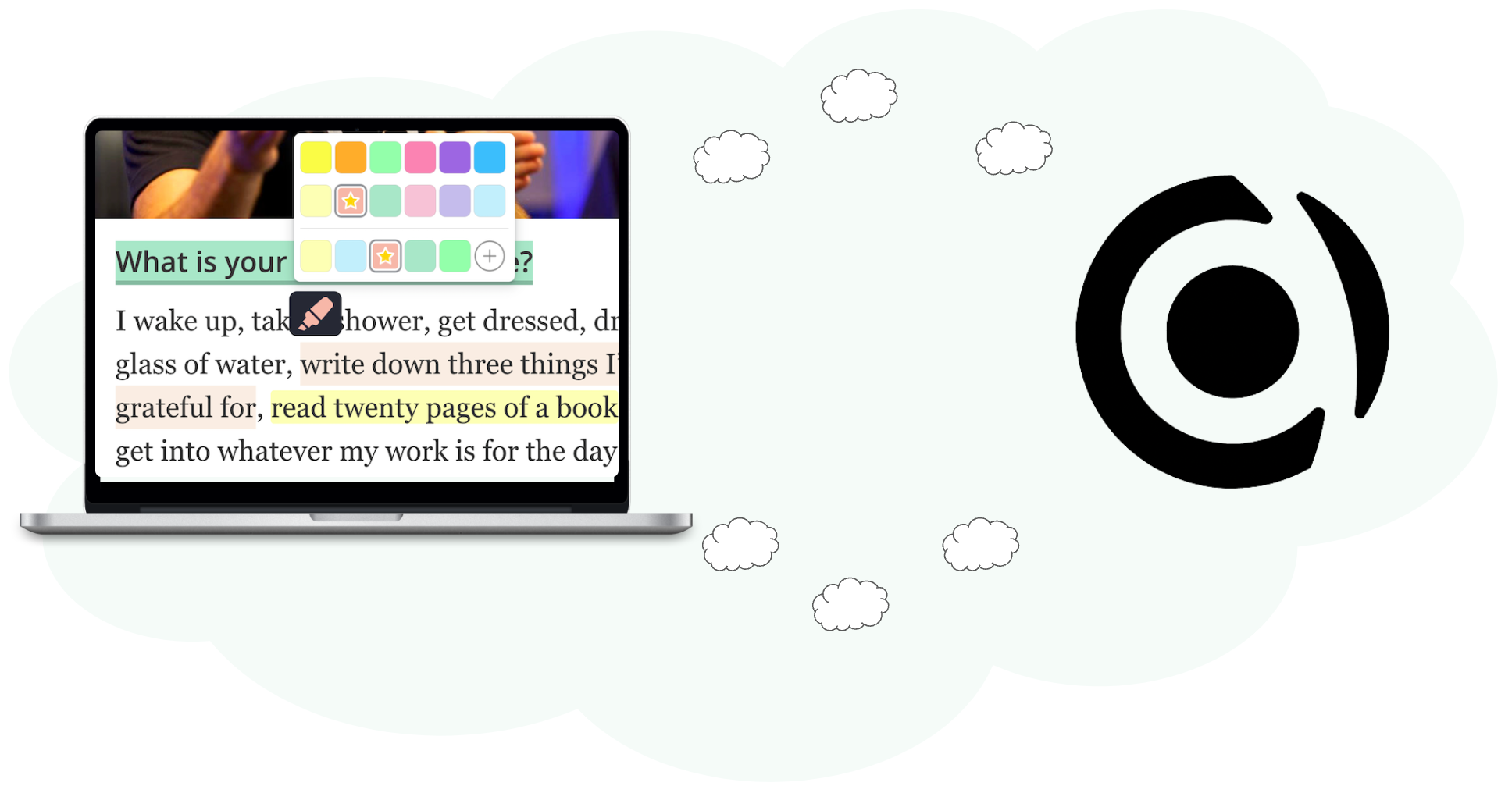
Learn how to export your research data to Capacities using Web Highlights. Follow our step-by-step guide to improve your workflow and productivity.
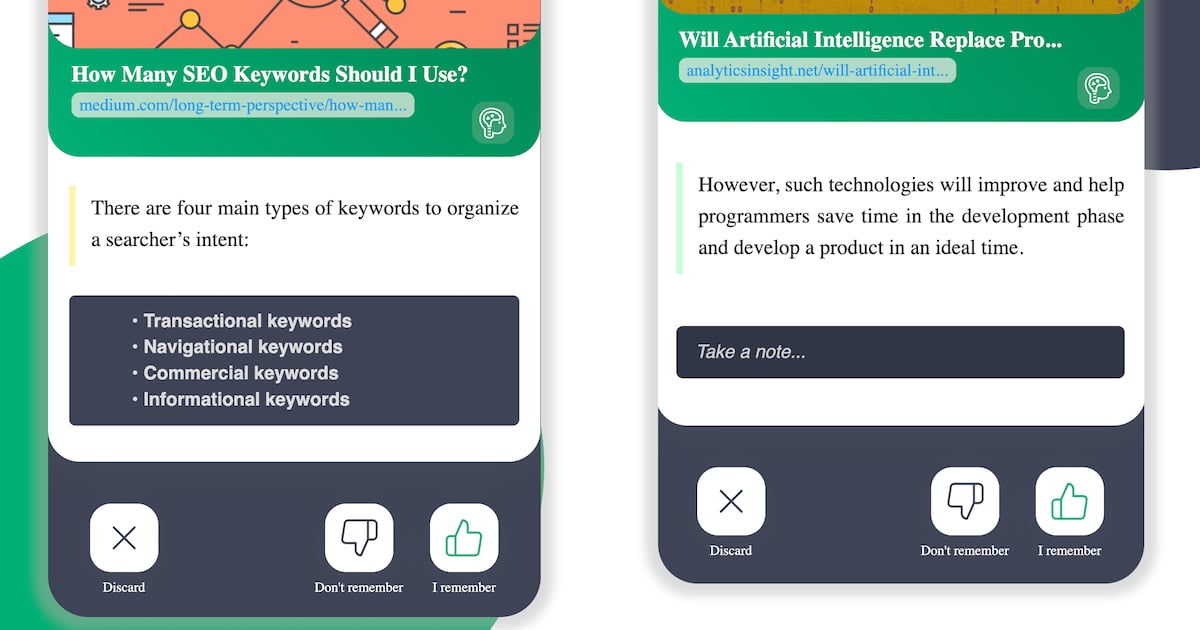
How to beat the “Forgetting Curve” and memorize things effectively using flashcard learning, spaced repetition and the SuperMemo algorithm
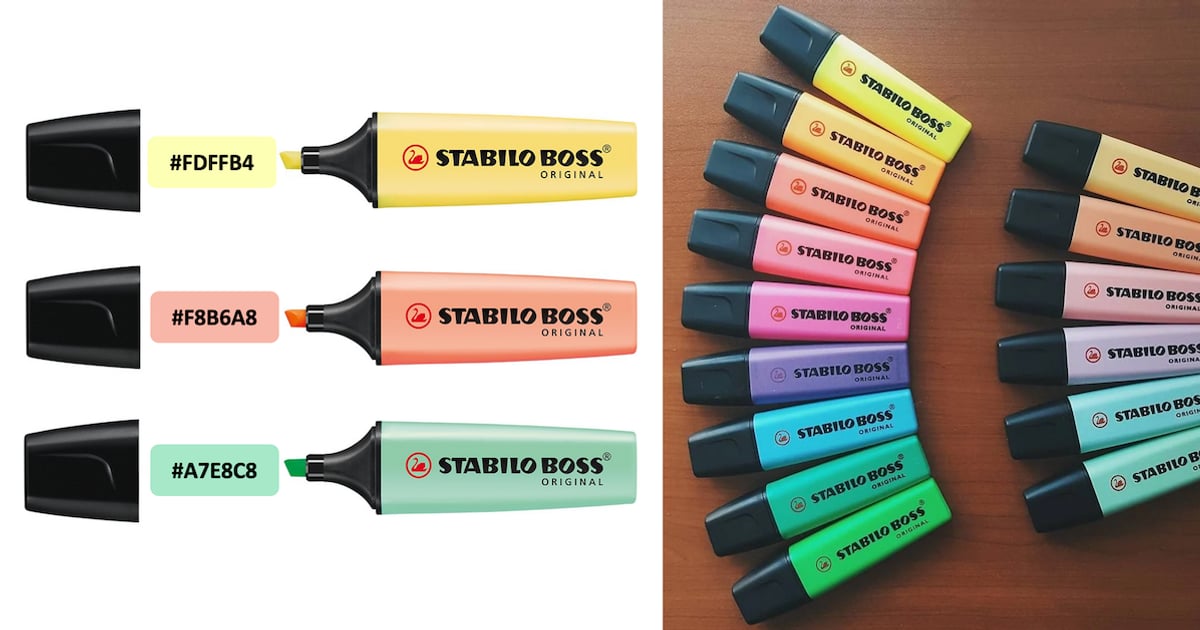
Highlight web pages with Stabilo Boss colors using Web Highlights, a free Chrome extension. Customize colors and highlight text online easily.

Never forget to read an important article again with the Web Highlights Chrome Extension. Set personalized reminders to be reminded of saved articles via email.

Improve your ChatGPT productivity with Web Highlights Chrome Extension. Highlight and tag texts to organize your research and ChatGPT conversations.

Welcome to the Web Highlights Extension FAQ! This article should answer your questions and help you get the most out of our extension.

Hey, I’m Marius 👋 I created this Chrome highlighter to help me better organize my online research. In this article, I want to make sure you get off to a great start – I hope you end up loving the app as much as I do ♥️

Most people only retain 10% of what they read. Luckily there are strategies and tools we can use to remember more when reading and learning.
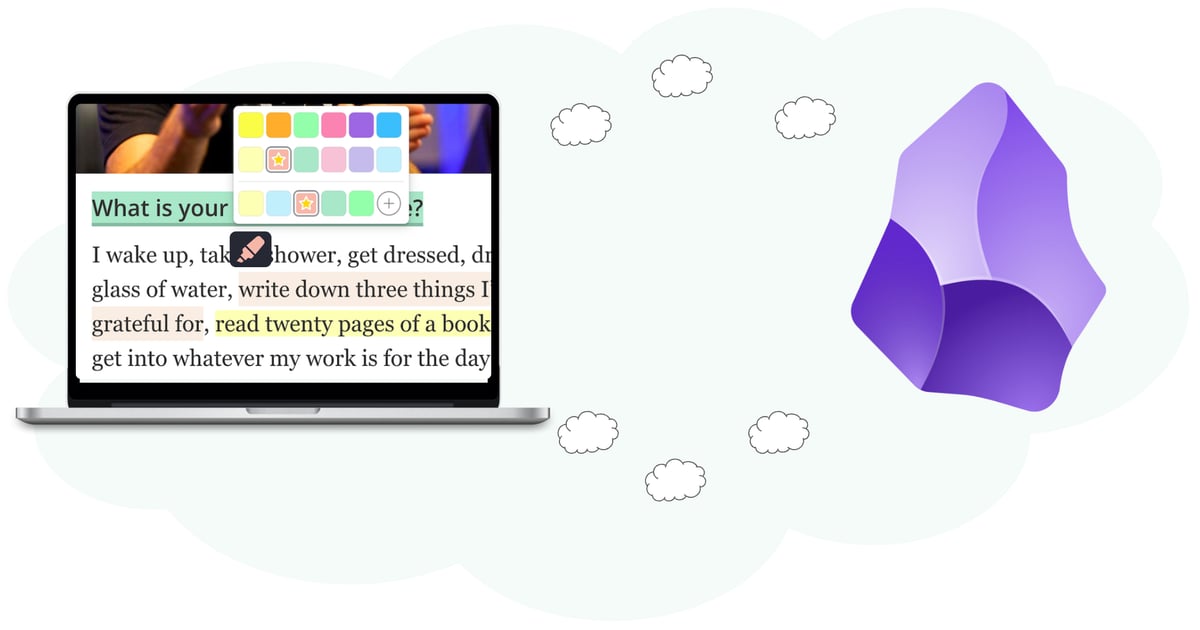
Web Highlights allows us to easily copy all highlights with all necessary metadata and information into, e.g., Notion or Obsidian.
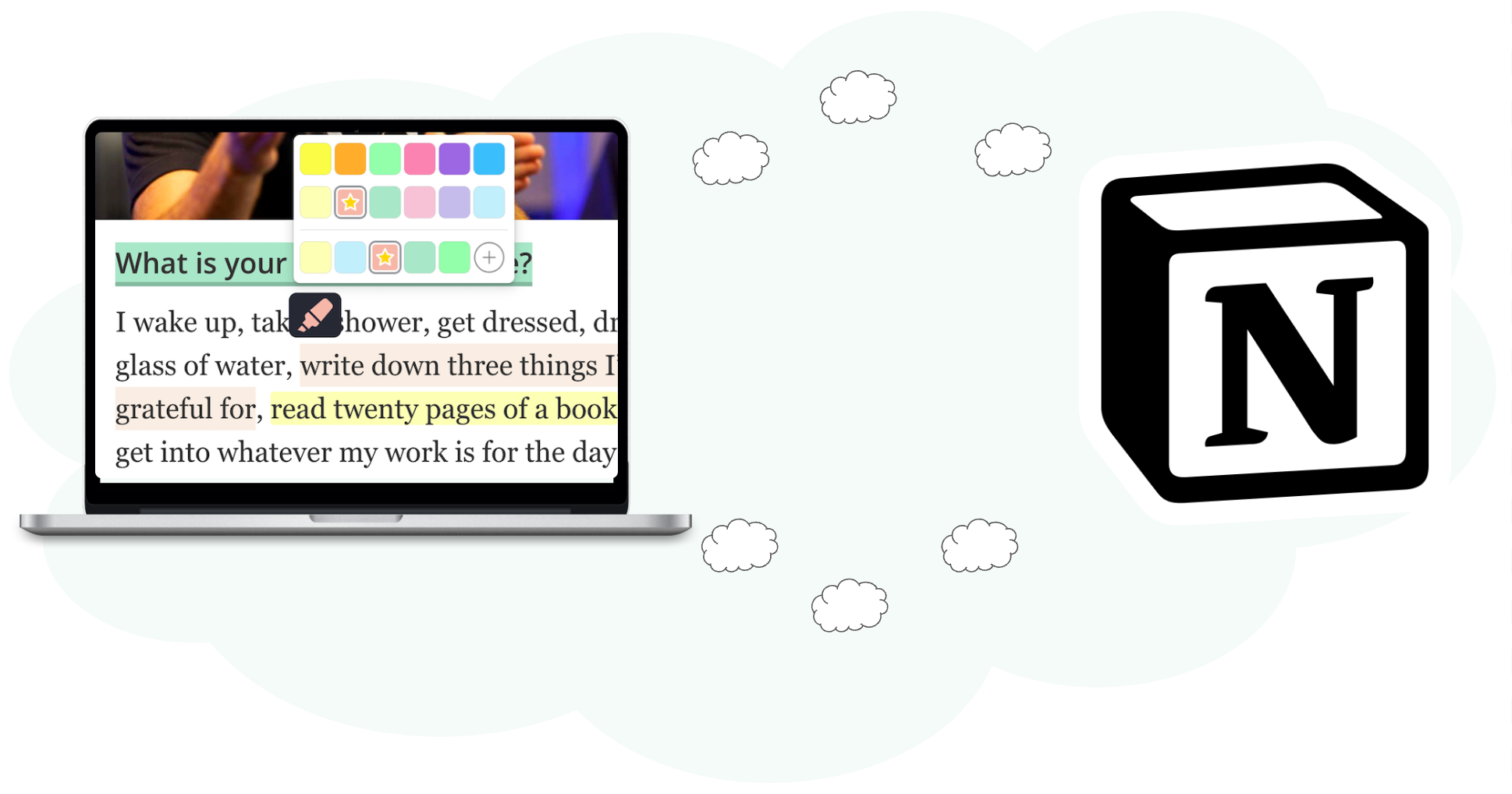
A central organized tool helps to structure your research. Export highlights & notes to Notion using the Web Highlights Chrome Extension.
Easily highlight local and online PDFs in Chrome, Edge, and Brave using Web Highlights. Add notes and tags, download with your highlights, and keep your research organized.

Boost your productivity with Web Highlights. With the pdf & web highlighter, you can highlight on the internet just like you do it in books.