
Let’s face it - we all save way too many articles and websites these days.
Here’s the short answer before the details: Raindrop is the better pure bookmark manager, and Web Highlights is the better highlighter. Both save pages, both organize them into folders and tags, and both sync across your devices. The difference shows up after you save — Web Highlights lets you highlight and annotate the page itself, and then turns those highlights into flashcards you actually review.
If you’re drowning in digital content, you need a good tool to save and organize everything. Raindrop and Web Highlights are two popular options, and I’ve spent time with both to help you figure out which one might work better for you.
If you’ve been using Raindrop but are curious about alternatives, Web Highlights might be worth checking out. It offers a clean interface and lots of free features that might suit your needs better.
What’s Raindrop All About?

Raindrop is basically a super-powered bookmark manager. It lets you save pretty much anything from the web - articles, images, videos, PDFs - and organize them in one place.
You can get Raindrop as a browser extension for Chrome, Firefox, Safari, and others. They also have apps for your phone and computer.
Who Uses Raindrop?
All kinds of people! Researchers collecting articles, designers saving inspiration, students organizing study materials, or just regular folks who want to keep track of interesting stuff they find online.
What Raindrop Does Well
- Saves anything from the web (articles, photos, videos, PDFs)
- Lets you create collections and add tags to organize stuff
- Sorts your items however you want
- Searches through the full text of saved pages
- Keeps copies of content even if the original disappears
- Works well for teams
- Available on pretty much any device
- Connects with tons of other apps
The Good Stuff
- Really good at managing bookmarks
- Clean, visual interface
- Works on all your devices
- Saves permanent copies of content
- Good for team collaboration
The Not-So-Good Stuff
- Limited options for highlighting and notes
- Not great for detailed annotations
- No flashcard features
- Less focused on academic research
- Can get messy with lots of bookmarks
Raindrop Pricing
Raindrop keeps it simple with two plans (checked July 2026):
- Free: $0 — unlimited bookmarks, collections, and devices
- Pro: paid monthly or yearly (yearly runs about 20% cheaper) — Raindrop only shows the exact price at checkout
The Pro plan adds an AI assistant and suggestions, full-text search (including spoken words in YouTube videos), permanent copies of your bookmarks, reminders, annotations, a duplicate and broken-link finder, daily backups, 10 GB of monthly file uploads (versus 100 MB on Free), and priority support.
Customer Support
- Help center
- Email support
- Community forum
Web Highlights - A Superior Annotation Alternative to Raindrop

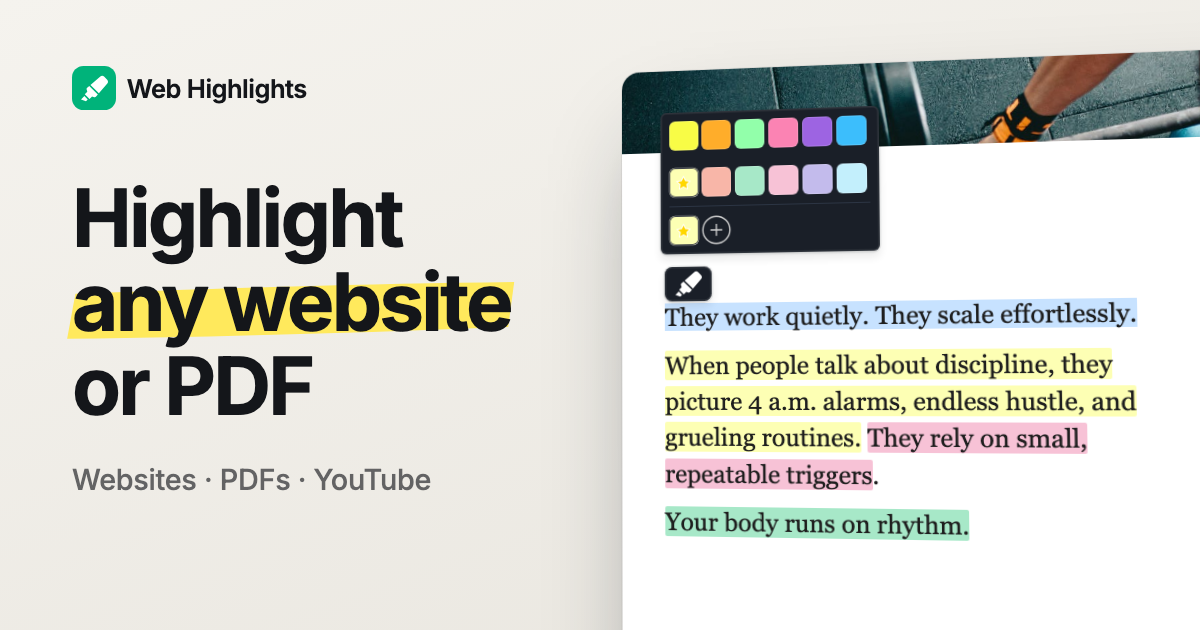
Web Highlights focuses more on annotation than just bookmarking. It lets you highlight text, add notes , and organize information across websites. You can also export your notes to Notion with one click or copy them as Markdown for Obsidian .
Right now, it’s available as a Chrome , Edge , and Firefox extension but its integrated cloud sync lets access your highlights across different computers and even from your phone.
 Marius Bongarts

Who Uses Web Highlights?
Web Highlights is great for people who need to remember and organize what they read online. Students, researchers, teachers, and professionals who read a lot of online content find it particularly useful.
If you’re studying PDFs, writing papers, or doing research, Web Highlights might be just what you need!
 Juliene Ebreo

 Elie Khairallah

What Web Highlights Does Well
- Lets you highlight any website or PDF easily
- Uses tags to help you find saved highlights
- Files saved pages into Collections — a folder tree in the sidebar, with sub-folders, drag-and-drop, and a folder picker in the save dialog
- Supports formatted highlighting with headings, bullet points, etc.
- Lets you add notes to your highlights
- Works offline for highlighting and bookmarking
- One-click export to Notion and Capacities (Ultimate plan); PDF, HTML, and Markdown copy for Obsidian
- Creates flashcards from your highlights
- Gives you daily learning recaps to build reading habits
- Imports your Kindle notes
- Sends email reminders for important notes
- Has keyboard shortcuts for faster work
- Searches through all your content
- Syncs across your devices
- Lets you share research with others
- Works offline for many features
The Good Stuff
- Easy to use
- Multiple highlight colors
- Works across your devices
- Great free version
- Tags and folders side by side
- Works offline
- Exports to many formats
- Great for academic work
The Not-So-Good Stuff
- Cloud sync across devices is part of the paid plans
- Can be slow with very big PDFs
- No shared team workspace — you can share single pages with a public link, but folders stay yours
Pricing
- Basic: Free
- Premium: Paid monthly, yearly, or lifetime
- Ultimate: Paid monthly, yearly, or lifetime
See current prices at web-highlights.com/pricing .
Customer Support
Why Web Highlights Might Be Better Than Raindrop
1. Better Highlighting
Raindrop is mainly about saving pages, but Web Highlights is all about highlighting and notes.
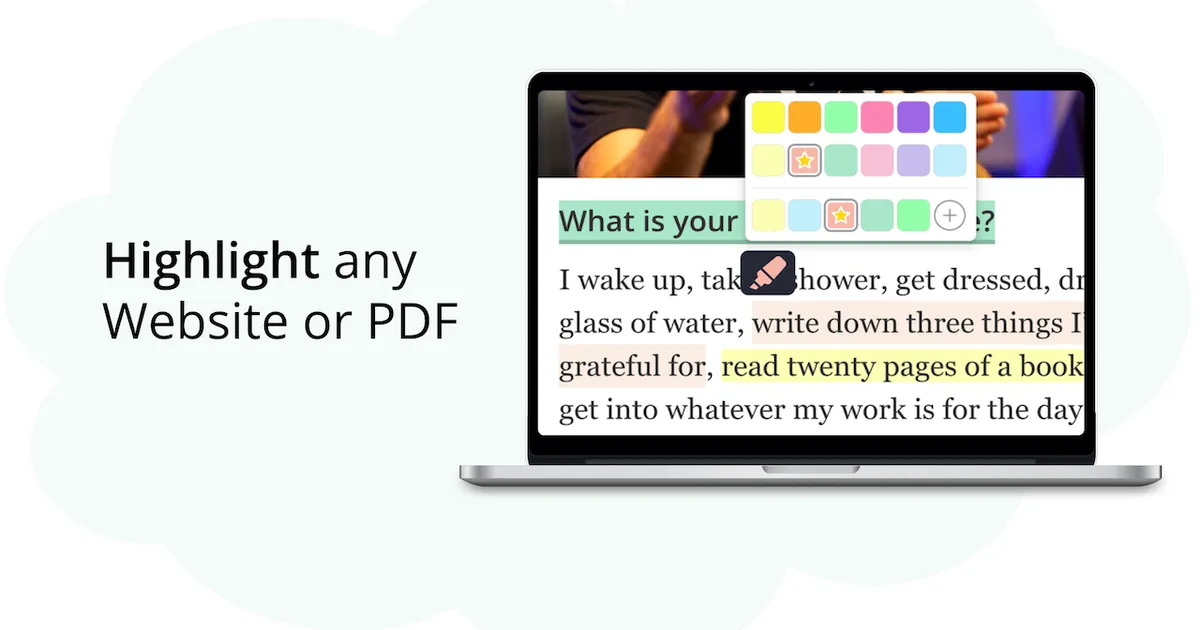
With Web Highlights, you can highlight text in different colors on both websites and PDFs. Just select the text, pick a color, and you’re done. You can also use the keyboard shortcut “Alt + S” to speed things up.
Raindrop has some basic highlighting, but it’s not as good or easy to use as Web Highlights. If you mainly want to highlight and take notes rather than just save pages, Web Highlights is probably better for you.
 Marius Bongarts

2. Formatted Highlighting
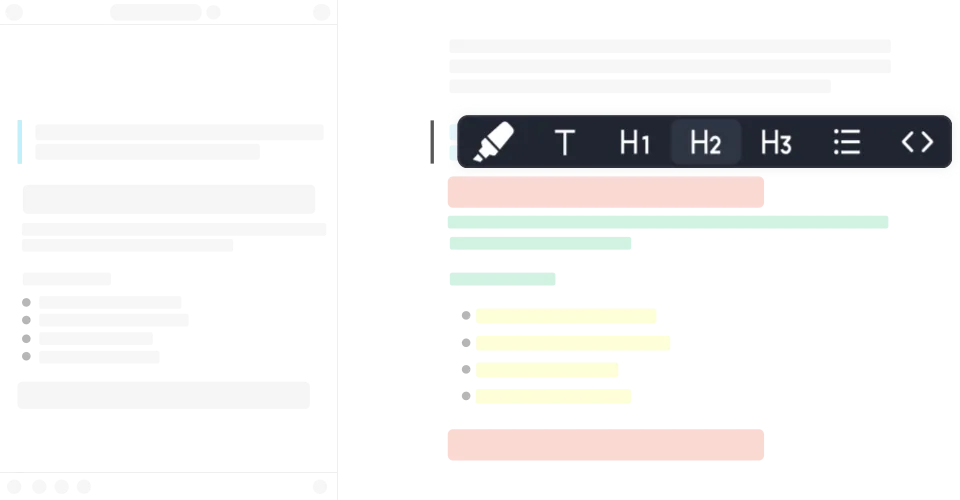
Web Highlights lets you format your highlights with different styles (bold, headings, bullet points), which makes organizing information easier.
Raindrop doesn’t have this - you just get basic highlighting. If you need more ways to organize your research, Web Highlights wins here.
 Marius Bongarts
3. More Export Options
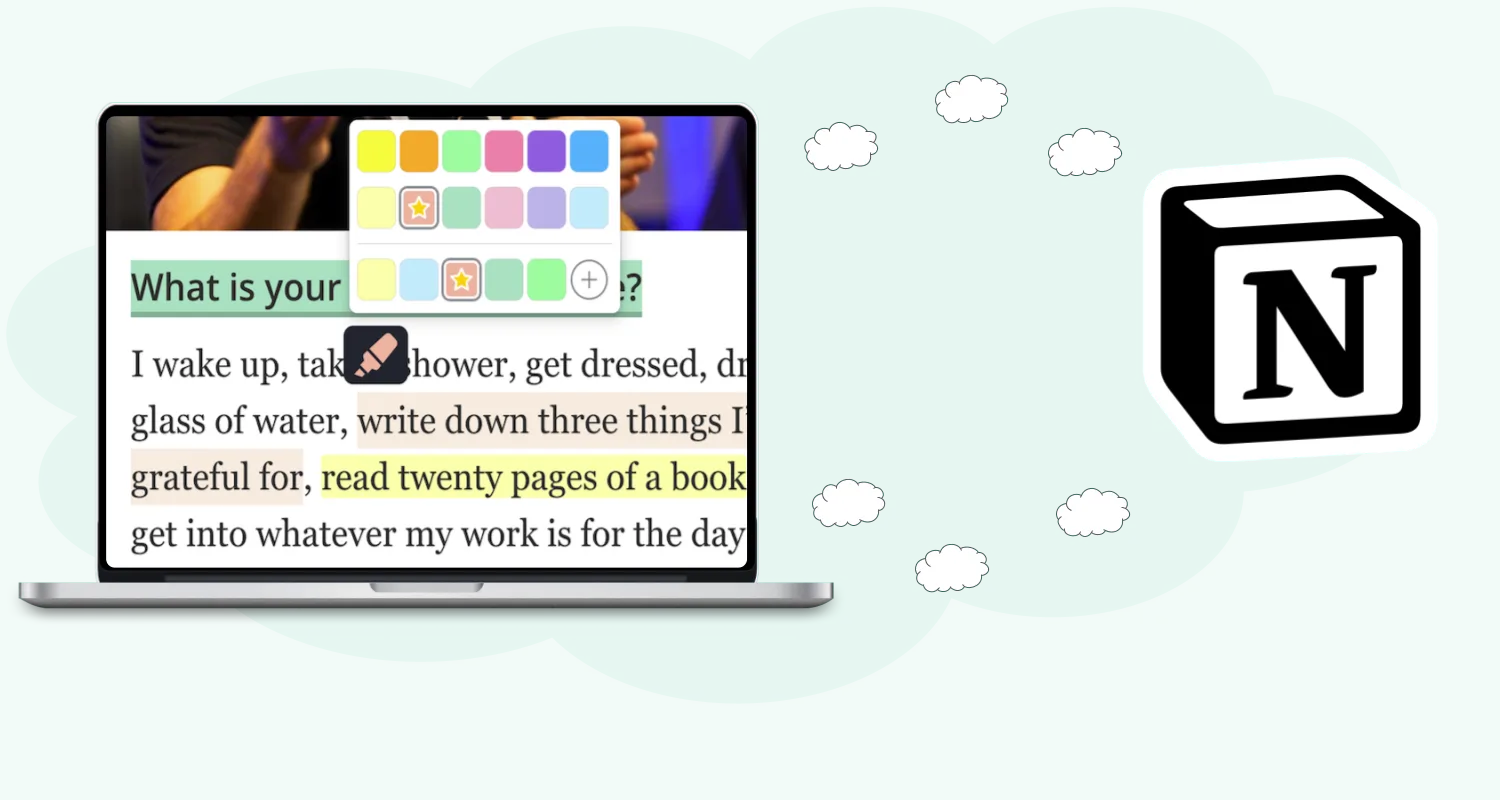
Web Highlights lets you export with one click to Notion and Capacities (Ultimate plan). You can also copy as Markdown to paste into Obsidian or other note-taking apps, and export to PDF or HTML files for saving offline copies or sharing with others.
Raindrop connects with lots of apps, but its export options for highlights and notes aren’t as good. If you use multiple productivity tools, Web Highlights probably fits better into your workflow.
 Marius Bongarts
4. Email Reminders
We all find interesting stuff online and then forget about it.
Web Highlights can send you email reminders about saved highlights and pages, so you don’t forget important information.
Raindrop doesn’t have built-in reminders, so Web Highlights is better if you need prompts to revisit your research.
 Marius Bongarts

5. Image Highlights
Web Highlights lets you save and annotate images directly . You can add tags and notes to images, which helps track visual information.
Raindrop is good at saving images as bookmarks, but doesn’t let you annotate them as well. Web Highlights is better for managing both text and images.
 Marius Bongarts

6. Learning Tools
Web Highlights has features specifically for learning:
- Creates flashcards from your highlights
- Uses spaced repetition to help you remember
- Gives daily learning recaps
- Integrates with Kindle for studying
These make Web Highlights especially good for students and researchers who need to learn and remember information, not just save it.
Raindrop is mainly a bookmark manager and doesn’t have these learning tools. If education is important to you, Web Highlights offers more.
 Marius Bongarts

7. Note-Taking & Organization
Web Highlights lets you add notes directly to your highlights and import notes from other platforms like Kindle.
Organizing used to be the one place where Raindrop clearly won: it had collections, we only had tags. That changed in May 2026, when we shipped Collections — a folder tree in the sidebar with sub-folders, drag-and-drop from the grid, a folder chip on every saved page, and a picker right in the save dialog so new pages don’t pile up in Unsorted . Tags didn’t go anywhere; a page now has one folder as its home and as many tags as you like.
So folders aren’t the deciding factor anymore. What is: in Web Highlights, the folder holds pages you’ve actually marked up, every note sits on the sentence it belongs to, and those highlights can become flashcards. Raindrop’s filters are good, but its notes stay at the page level.
 Marius Bongarts

8. Offline Features
Web Highlights works offline - you can highlight, add tags, and save bookmarks without internet. Everything syncs when you reconnect.
Raindrop lets you access saved content offline through its apps, but with fewer features than Web Highlights. If you often work without internet, Web Highlights might be better.
9. User Experience
Both tools have clean interfaces, but they focus on different things.
Web Highlights makes highlighting and annotation super easy, with keyboard shortcuts for almost everything. You can customize these shortcuts to your liking.
Raindrop has a nice visual layout for bookmarks. Both are user-friendly, but Web Highlights is better for annotation, while Raindrop is better for visual bookmark management.
10. Security & Privacy
Both take security seriously, but Web Highlights emphasizes protecting your data. They store your highlights and notes securely and have strong data protection.
Web Highlights doesn’t sell user information, making it trustworthy if you’re concerned about privacy. You can read their terms and conditions for more details.
Quick Feature Comparison
| Features | Web Highlights | Raindrop |
|---|---|---|
| Highlights | ✅ | ✅ (Basic) |
| Formatted Highlighting | ✅ | ❌ |
| Flashcards | ✅ | ❌ |
| Notion/Capacities Export | ✅ | ❌ |
| Kindle spaced repetition learning | ✅ | ❌ |
| Note-taking | ✅ | ✅ (Basic) |
| Email reminders | ✅ | ❌ |
| Intuitive interface | ✅ | ✅ |
| Regular updates | ✅ | ✅ |
| Visual bookmark organization | ✅ | ✅ |
| Collections (nested folders) | ✅ | ✅ |
| Public share links | ✅ | ✅ |
| Shared team workspace | ❌ | ✅ |
| Offline access | ✅ | ✅ (Limited) |
| Cross-platform support | ✅ | ✅ |
User Feedback and Reviews
Let's look at what users have to say about Web Highlights and Raindrop.
Full disclosure: Tooltivity, which this article links to, is run by my company — the same one that makes Web Highlights.
- Web Highlights has a 4.8-star rating from over 4,500 reviews in the Chrome Web Store, with hundreds of thousands of users. People love how easy it is to use, the highlighting features, and how well it works with other tools.
- Raindrop has a solid 4.1-star rating from around 765 reviews and roughly 400,000 Chrome users (numbers from the Raindrop.io review on Tooltivity , checked July 2026). Users like its clean interface and bookmark management.

Conclusion
Both tools are good, but they shine in different areas.
Raindrop is great if you mainly need to save and organize bookmarks with a nice visual interface. It’s perfect for collecting and accessing content across all your devices.
Web Highlights is better if you need to actively engage with content through highlighting, notes, and learning tools. It’s especially good for students, researchers, and professionals who work with lots of online content.
With its easy interface, powerful annotation features, and learning tools, Web Highlights is probably the better choice if you want to do more than just save bookmarks.
Looking beyond these two? Raindrop and Web Highlights both feature in our comparison of the 12 best Chrome bookmark manager extensions , alongside Session Buddy, Toby, Diigo, and the rest of the field.
Want to try Web Highlights? Get it for Chrome , Edge , Firefox , or use it with Brave, Vivaldi, and Opera.
FAQs
- What’s the main difference between Web Highlights and Raindrop? Raindrop is mainly for bookmark management and visual organization, while Web Highlights focuses on annotation, highlighting, and learning tools. Web Highlights helps you engage with content, while Raindrop helps you organize bookmarks.
-
Can I import my bookmarks from Raindrop to Web Highlights?
Yes. Export your bookmarks from Raindrop as an HTML file, then use the bookmarks import in Web Highlights (Settings → Integrations) — it reads the standard bookmarks-HTML format every browser and most bookmark managers produce. Your Raindrop collections come in as tags, and from there you can move the pages into Web Highlights collections if you prefer folders. -
Does Web Highlights have collections like Raindrop?
Yes. Collections are folders for your saved pages: a tree in the sidebar, sub-folders, drag a page card onto a folder on desktop, pick a folder while you save, and bulk-move several pages at once. Each page lives in one folder (or Unsorted ) and can still carry as many tags as you want. Deleting a folder never deletes the pages inside it. -
Which tool is better for academic research?
Web Highlights is generally better for academic research because of its highlighting, annotation, and learning features. The flashcards, one-click exports to Notion and Capacities, Markdown copy for Obsidian, and focus on retention make it better for serious research. -
Does Web Highlights have a free version?
Yes, Web Highlights has a free Basic plan with unlimited highlighting and bookmarking. You can upgrade to Premium or Ultimate for more advanced features like cloud sync and image highlighting. -
Can I use Web Highlights on my phone?
Yes, Web Highlights syncs across devices, so you can access your highlights and notes on desktops, tablets, and smartphones through its web app. -
Is Raindrop better for visual content?
Raindrop is great at organizing visual content like images and videos with its gallery-style interface. However, Web Highlights lets you annotate images better, adding highlights and notes to visual content. -
How much does Raindrop cost?
The free plan costs nothing and covers unlimited bookmarks, collections, and devices. Raindrop Pro is a paid subscription (monthly or yearly, with the yearly option about 20% cheaper) — Raindrop only shows the exact price at checkout, so open their Pro page from inside the app to see it for your region. For a feature-by-feature rundown of the tool itself, there’s the Raindrop.io review on Tooltivity . -
Can you highlight with Raindrop?
Yes, Raindrop supports basic text highlights on saved pages, and annotations are part of the Pro plan. If highlighting is the main thing you do, though, a dedicated highlighter goes further: Web Highlights adds multiple colors, formatted highlights, notes on every highlight, and PDF highlighting. -
Is there a Raindrop Chrome extension?
Yes — Raindrop’s Chrome extension saves the current page into your collections, and there are apps for desktop and mobile too. Web Highlights takes the same one-click approach but is built around highlighting first: you mark the text that matters and the bookmark comes along automatically. -
Raindrop vs Pocket — which one should I use?
That question answered itself in 2025: Pocket shut down for good , and Raindrop became one of the main places its users migrated to. If you’re coming from Pocket today, the real choice is between a bookmark organizer like Raindrop and a highlight-and-remember tool like Web Highlights. -
What is the best Raindrop alternative?
Depends on what you’re missing. If Raindrop’s bookmarking is enough but you want your saves to become knowledge — highlights, notes, flashcards, spaced repetition — Web Highlights is the natural next step. If you mainly want a reading queue, look at Instapaper or Matter instead.