Web Highlights vs. Hypothesis: Which One’s Better for Students?
Web Highlights vs. Hypothesis compared for students. See which tool works better for PDFs, YouTube study, summaries, flashcards, and personal learning.
28 articles tagged “Web Highlights”

Web Highlights vs. Hypothesis compared for students. See which tool works better for PDFs, YouTube study, summaries, flashcards, and personal learning.

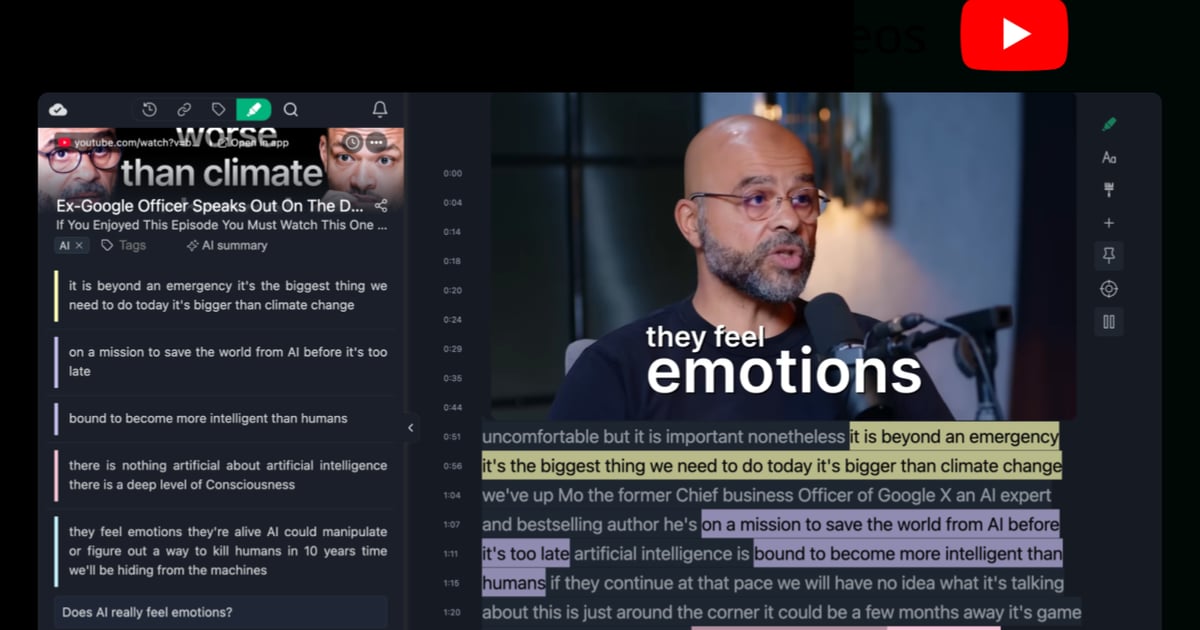
Learn how to use YouTube video annotations with Web Highlights to make your videos more interactive, organize key moments, and boost learning retention.
Follow the journey of three law students as they share how Web Highlights boosts their productivity. Learn why they recommend it to all law students.

UPDATE: Web Highlights has decided to remove the Mellowtel library, as it doesn’t align with our Privacy Policy. We'll look for other ways to support the environment. My top priority was always to make sure that most features of Web Highlights are free for everyone around the world. I am proud that the free version is already helping over 150,000 users to learn, stay organized, and do research. At the same time, I want to keep this extension ad-free. To cover the running costs without affectin
Learn how to use productivity tools like Web Highlights to increase your productivity. Organization with tags, take notes and optimize online learning.

Weava is a popular Chrome extension with over 300k users. Here's a quick guide on how to import all your annotations and notes from Weava into Web Highlights.
Do you ever make notes or highlights and never revisit them? It often feels like everything we read is crucial, but we're encountering it at the wrong time.

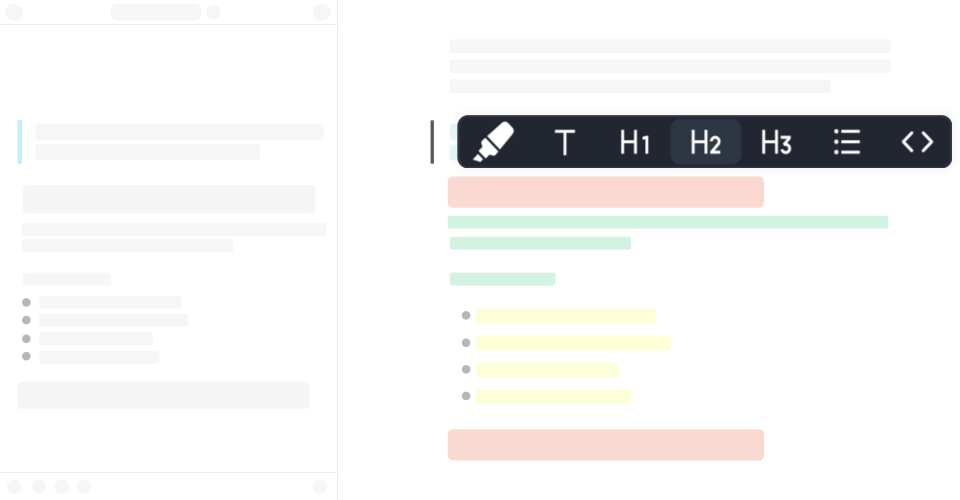
Discover how formatted highlighting transforms your reading experience. Learn tips and techniques to make your highlights more effective and organized.

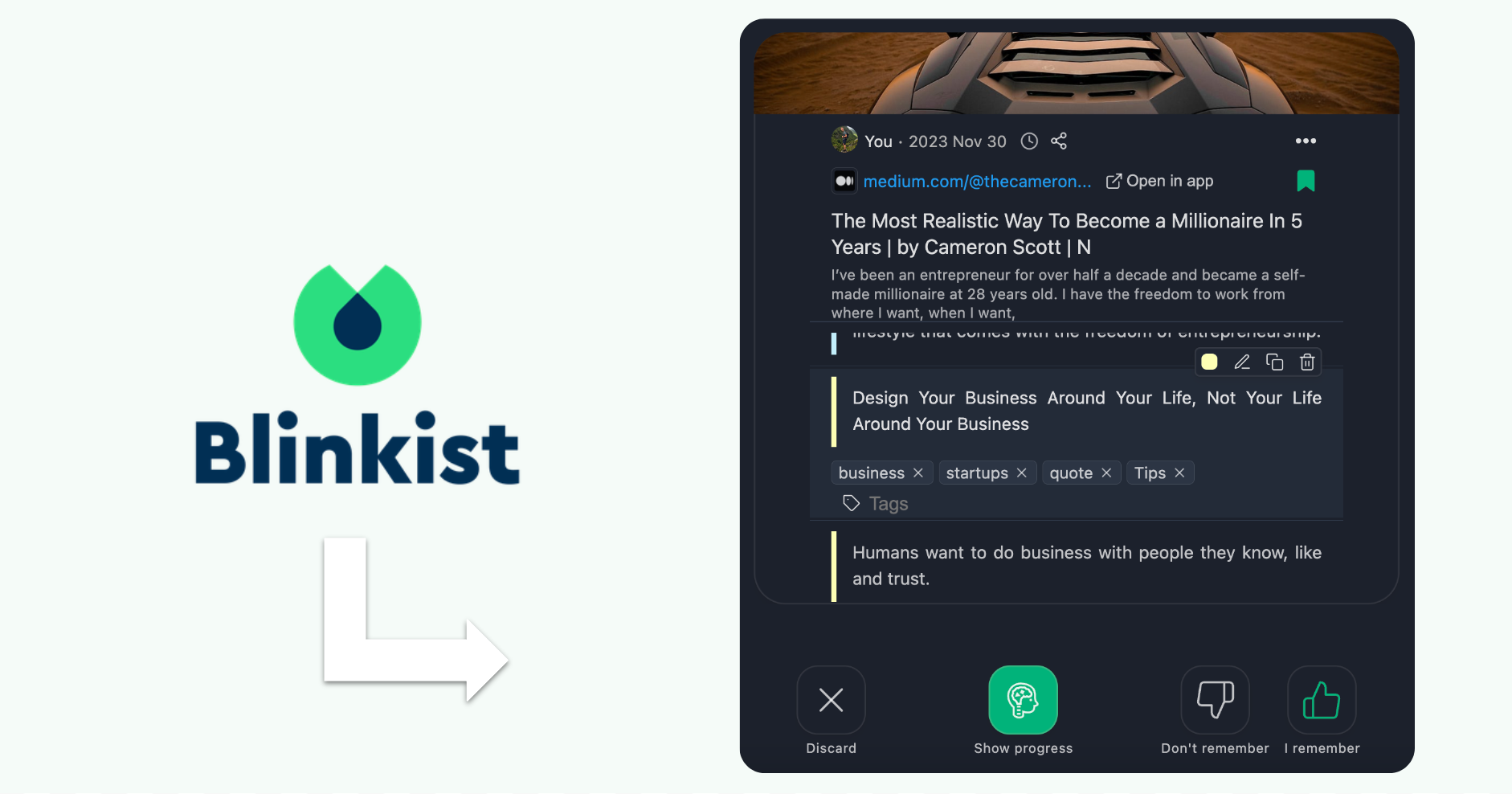
Remember what you read with Web Highlights & Blinkist! Use spaced repetition to make it stick. Start a learning session today!
Discover the three unusually painful mistakes I made on my side project journey and how to avoid them. Get tips for smoother project execution.
Discover the power of image highlighting with Web Highlights! Easily save images alongside text, bookmarks, and notes. Upgrade now to highlight images!

Discover Web Highlights' new features: sidebar images, light/dark modes, editable titles, organized history/tags, and popovers. Share your feedback! 🚀
Discover the Best Tools to Build Your Digital Second Brain! Tiago Forte's famous productivity system for ultimate organization and creativity.

Discover how to transform your Kindle highlights into instant study flashcards, ensuring you remember everything from the books you've read.

How to beat the “Forgetting Curve” and memorize things effectively using flashcard learning, spaced repetition and the SuperMemo algorithm
Explore the tech stack of Web Highlights, a Chrome extension using Web Components and Vue.js for saving and highlighting web content easily.
Learn how I managed to grow the user base of my Chrome extension by 270% in just nine months by applying simple SEO strategies.
Improve your website's organic traffic on Google with advanced techniques. Increase credibility, improve user experience, and increase trustworthiness.

Hey, I’m Marius 👋 I created this Chrome highlighter to help me better organize my online research. In this article, I want to make sure you get off to a great start – I hope you end up loving the app as much as I do ♥️
Most people only retain 10% of what they read. Luckily there are strategies and tools we can use to remember more when reading and learning.
Web Highlights regularly enhances the online highlighting experience of the Chrome extension and app. This newsletter ensures that users are kept up to date.
Unlimited highlights for everyone. Here is why from now on all users can do unlimited highlights with the online pdf & web highlighter extension.

Web Highlights allows us to easily copy all highlights with all necessary metadata and information into, e.g., Notion or Obsidian.
Boost your productivity with Web Highlights. With the pdf & web highlighter, you can highlight on the internet just like you do it in books.

A thumbnail image of your website can be essential to attract new users. In this article we will build a beautiful link preview with Web Components.