
In July 2025, the popular web clipper , read-it-later, and content discovery app Pocket, maintained by Mozilla, shut down for good — a move that caught millions of users off guard.
Before it went dark, the website showed a banner saying:
"After much thought, we’ve made the difficult decision to close Pocket. Thanks for being part of the journey."
The shutdown covered every part of the tool: Pocket Web, the Android, iOS, and macOS apps, and the browser extensions. If you’re reading this, you’re probably still looking for a proper replacement — or your old saves are sitting in an export file somewhere. Both are covered below.
 Marius Bongarts

Why did Pocket shut down?
Pocket said people don’t save and read stuff online like they used to.
So instead of running Pocket as its own thing, Mozilla (the company behind it) decided to put its energy into features that fit today’s browsing habits. Firefox got things like Tab Groups and better bookmarks that let you keep track of articles without needing a separate app.
And the content recommendations Pocket was known for still show up in Firefox. So while Pocket itself is gone, some of its best parts live on inside the browser.
When did Pocket shut down — and can you still get your data?
Mozilla announced that "Pocket will no longer be available after July 8, 2025."
After that date, Pocket ran in an “export-only mode”, letting users download their saved content as CSV. Mozilla first set the deadline for October 8, 2025, then extended it to November 12, 2025. That window is closed: since November 12, 2025, the export is disabled and all user data is queued for permanent deletion , so there is no way to recover saves from Pocket’s servers anymore.
"As of November 12, 2025, user data export has been disabled, and all user data has been queued for permanent deletion."- Mozilla
The good news: if you downloaded an export file back then, it’s still perfectly usable. Several tools — including Web Highlights — can import that CSV (and the annotations JSON) today, so your saves and highlights don’t have to stay locked in a file on your desktop.
Pocket wasn’t the first one to go: Omnivore shut down in November 2024. If you used both, see our best Omnivore alternatives too.
The Best Pocket Alternatives in 2026
The shutdown stung, but honestly? It was also the push many of us needed to switch to something more modern. A year on, the dust has settled — and these are the tools that have actually replaced Pocket for readers, researchers, and bookmark hoarders.
Tooltivity, a browser extension comparison platform , rated Pocket’s Web Clipper at just 7.4/10 back then — so we weren’t the only ones who felt it was showing its age.
Full disclosure: Tooltivity, which this article links to, is run by my company — the same one that makes Web Highlights.
All ten picks below are alive and actively maintained (I re-checked each one in July 2026), and several can still import a saved Pocket export file.
Here are our top picks for Pocket alternatives.
1. Web Highlights
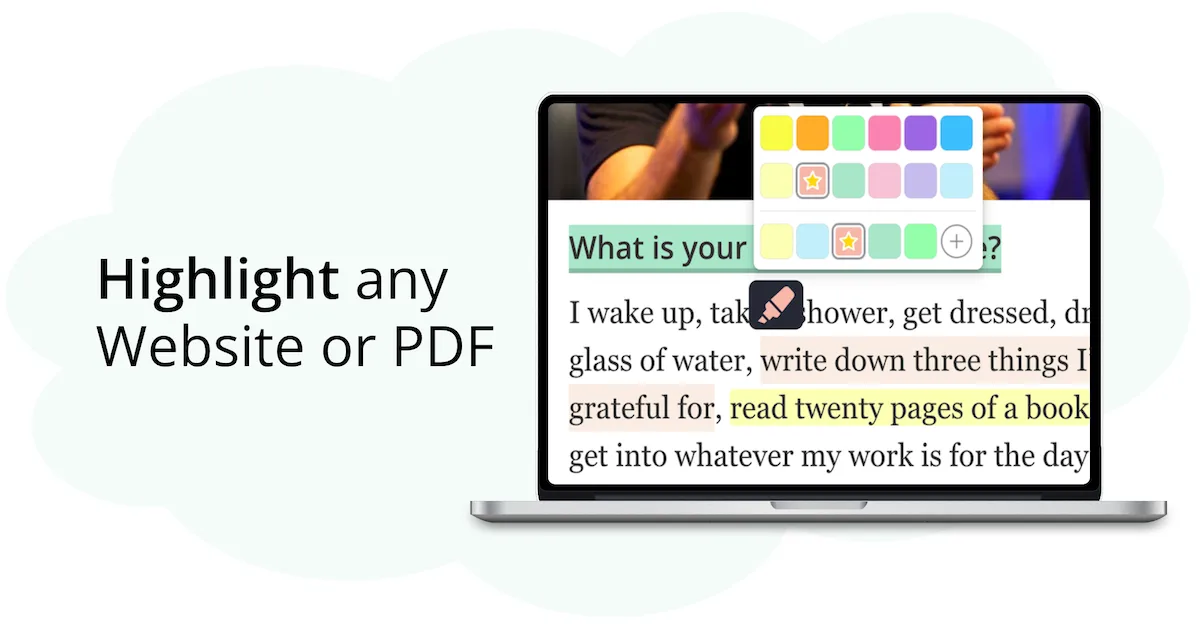
Web Highlights is a simple tool that lets you save and highlight anything you read online.
The best part? It can import your saved Pocket export file — both the CSV with your saves and the JSON with your annotations — so nothing you collected over the years is lost.
 Marius Bongarts
You can highlight text on any website , save copies of websites, create bookmarks, and add tags or notes. Everything gets saved to your personal dashboard, so you always know where to find it.
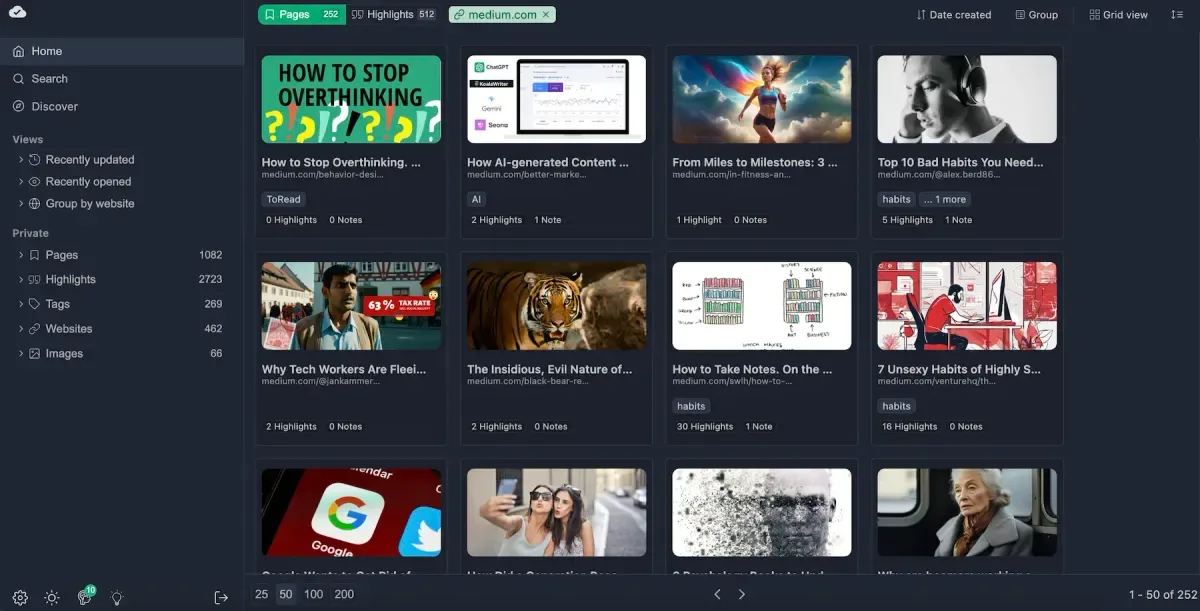
It also works like a web clipper and read-it-later app, and can save a copy of a website and open it in a clean, distraction-free reader mode :
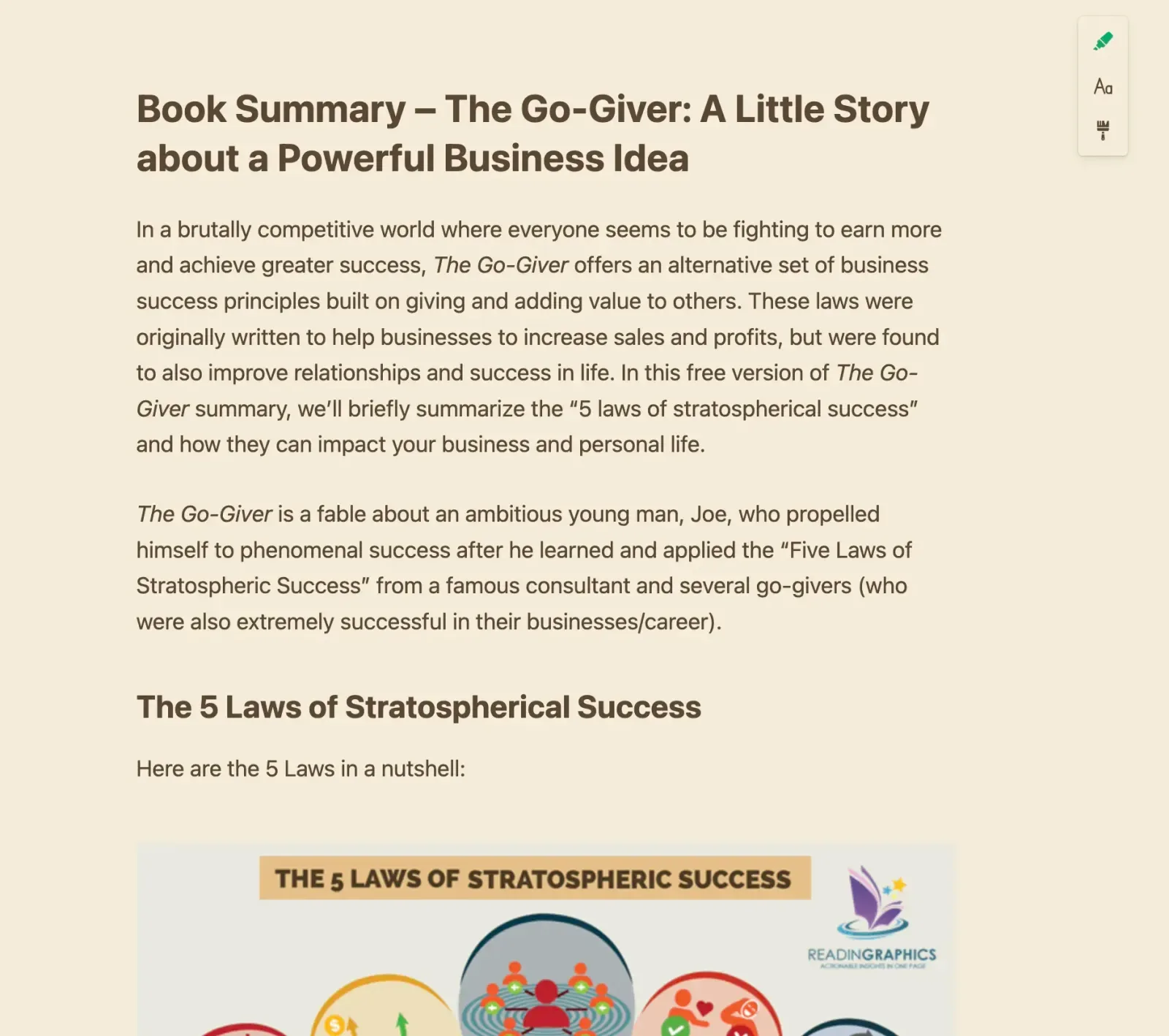
If you want a better way to save and organize what you read, Web Highlights is a solid Pocket alternative—especially if you like highlighting.
It’s built for people who read, research, and learn a lot online. If you want to keep your highlights and saved pages in one place, this is a great pick.

2. Milanote Web Clipper

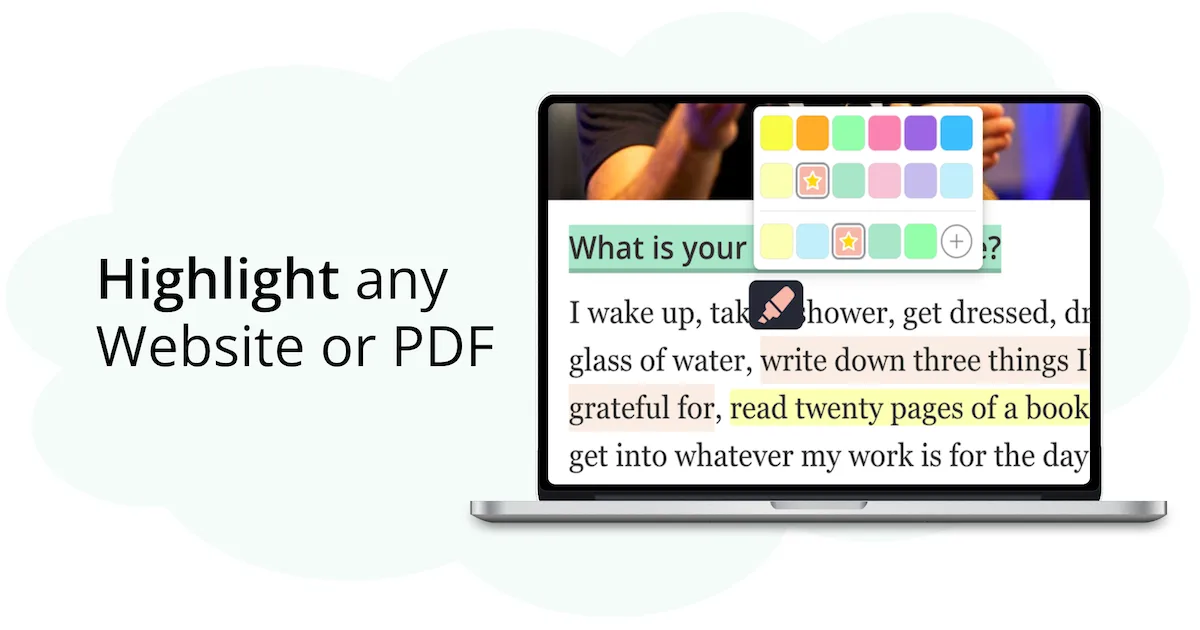
Popular among creatives and visual thinkers, Milanote is like a digital pinboard for all your ideas.
Milanote isn’t just for notes — it’s for organizing thoughts visually. The web clipper lets you save images, links, and text into boards that feel like digital pinboards. It’s great if you think in a more visual, creative way.
Not the best for reading articles later, but ideal if you're collecting ideas for a project or planning something big.

3. Instapaper

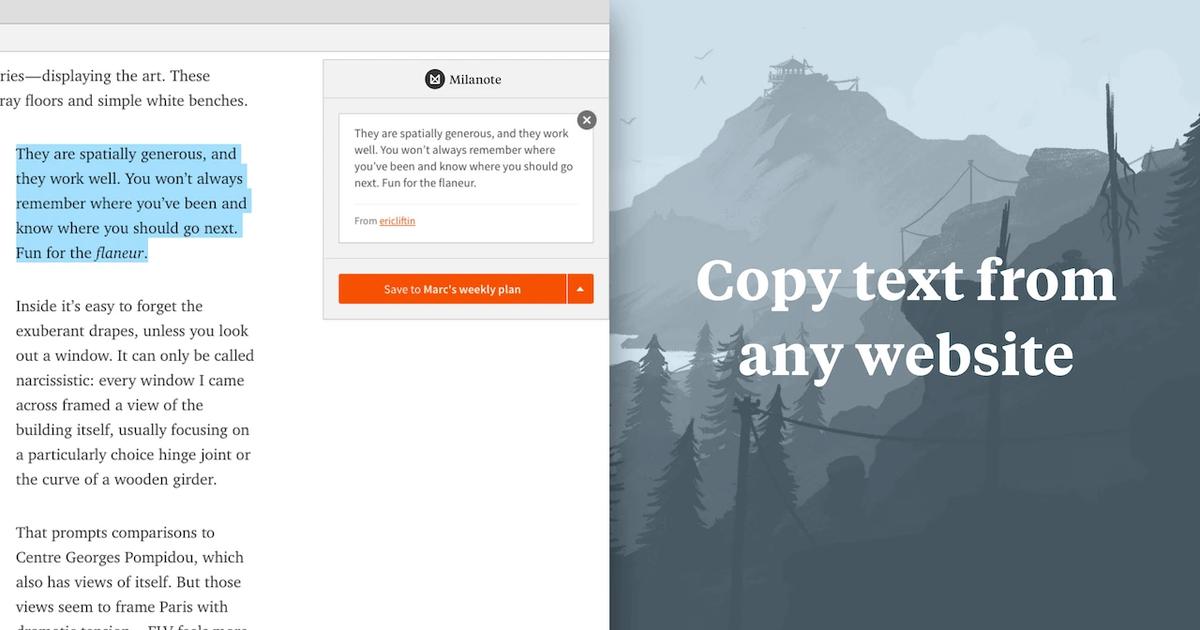
Instapaper has been around for years and is one of the closest tools to Pocket in terms of features and design.
It lets you save articles in one click and read them later in a clean, distraction-free layout. You can highlight text, add notes, and organize your saves into folders. It also supports offline reading, which is great for commuting or traveling.
If you’re looking for a smooth switch from Pocket with a similar feel, Instapaper is a strong pick.

4. Recall | Summarize Anything, Forget Nothing
With Recall, you can use AI to save, summarize, and organize articles, PDFs, videos, and more — with built-in spaced repetition, browser extensions, and strong privacy controls.
Its key features include automatic content summarization, a self-organizing personal knowledge base, and smart review schedules to help you actually remember what you learn.
Because it works with almost any type of content — from YouTube videos and articles to recipes, PDFs, and movie lists — Recall is a powerful alternative to Pocket, packed with even more advanced features.

5. Raindrop

One of the most polished and popular bookmarking tools out there, with over a million users.
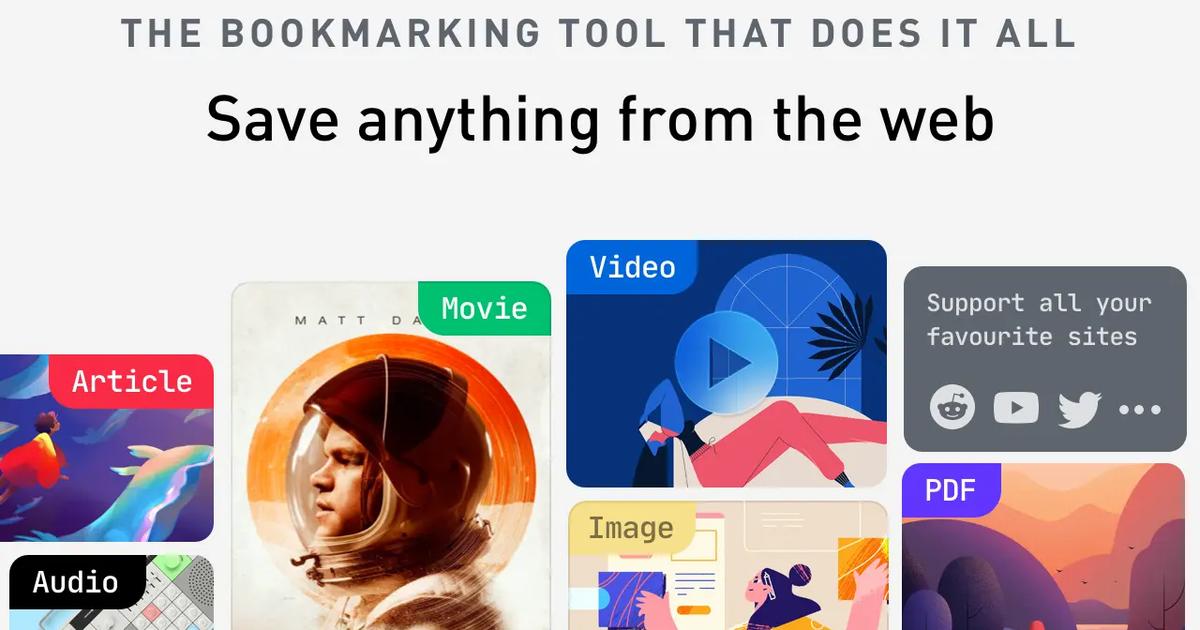
Raindrop lets you save anything from the web and organize it with tags and collections. You can add notes, use a clean reading mode, and even collaborate with others. It can also import a saved Pocket export file, so switching is easy.
If you liked Pocket’s reading features but want more structure and control, Raindrop is a solid pick.

6. Save to Notion

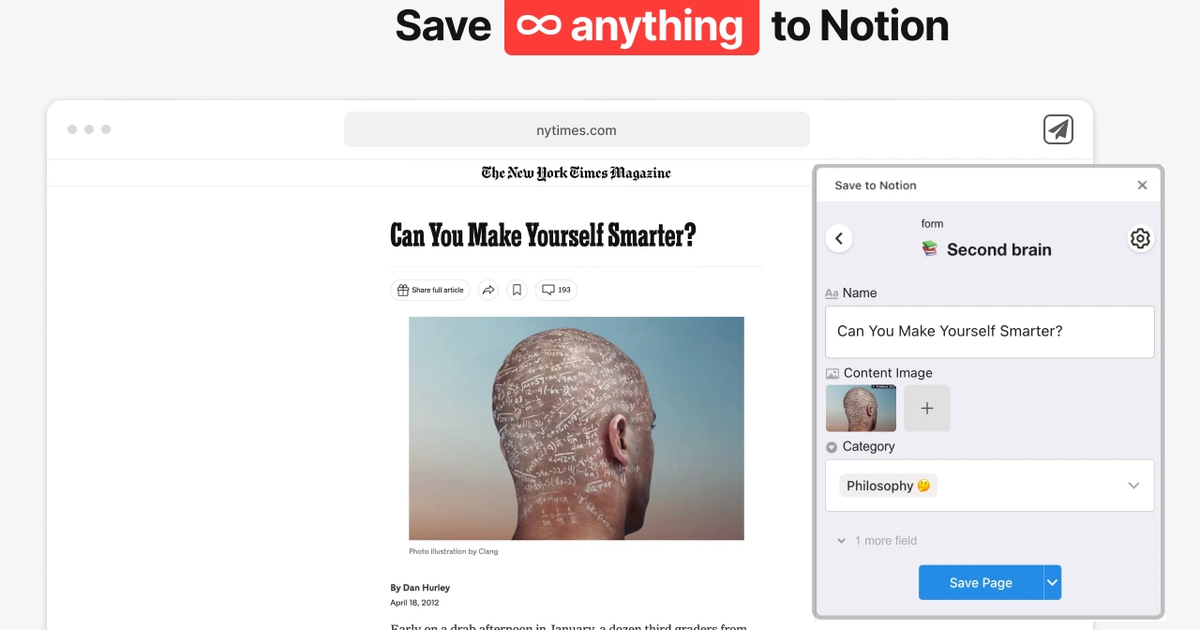
Notion has become super popular in recent years — and their web clipper is a handy way to save web content straight into your workspace.
With the Save to Notion, you can save links, articles, or whole web pages into any Notion page. It’s flexible, and once the content is in, you can add notes, move it into databases, or link it with other parts of your setup. It’s great if you already use Notion for planning or journaling.
Not the best for fast reading later, but ideal if you want everything in one place — tasks, notes, saved content, and more.

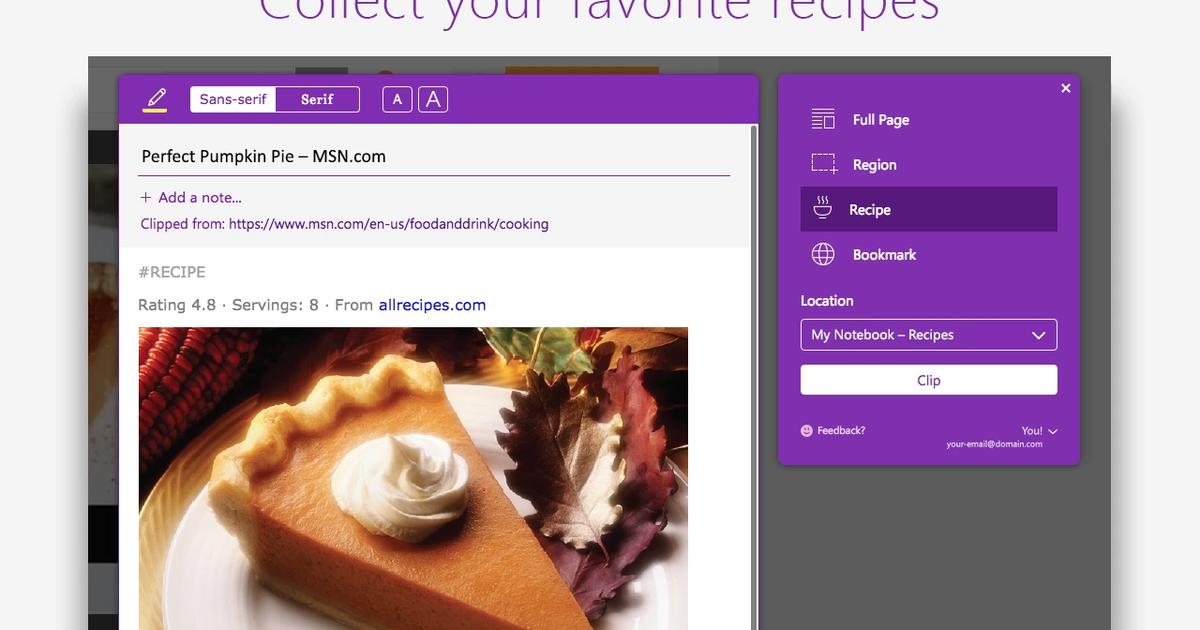
7. OneNote Web Clipper

Part of the Microsoft ecosystem, OneNote is widely used for taking notes, and its web clipper makes saving content super easy.
The OneNote Web Clipper grabs parts of web pages — full articles, text, or images — and saves them into your notebooks. It’s part of Microsoft OneNote, so if you’re already using that, it fits right in.
Not focused on reading later, but great if you want to organize saved content with your other notes.

8. Evernote Web Clipper
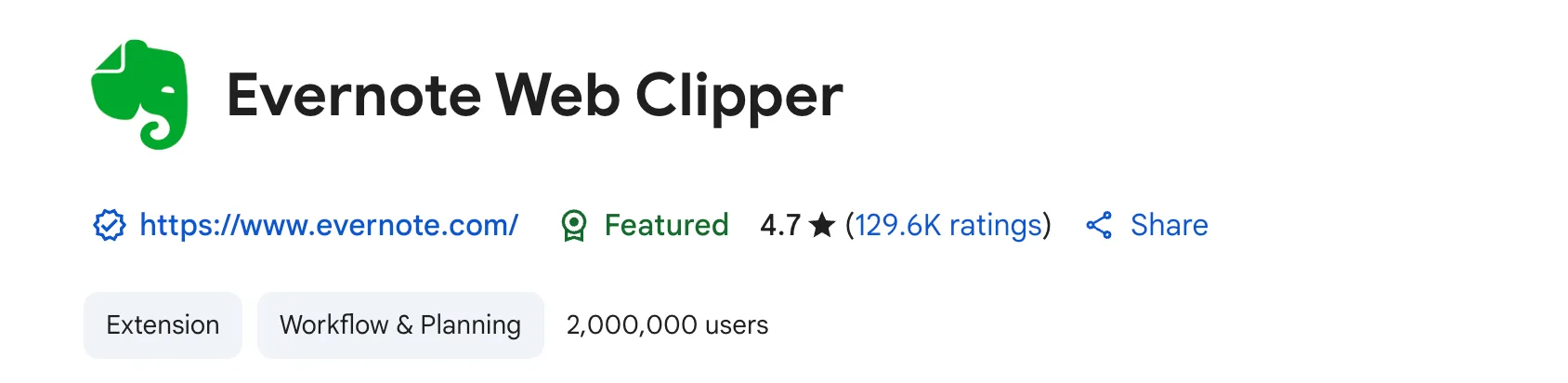
Evernote has been a go-to note-taking app for years, and its web clipper is one of the most powerful around.
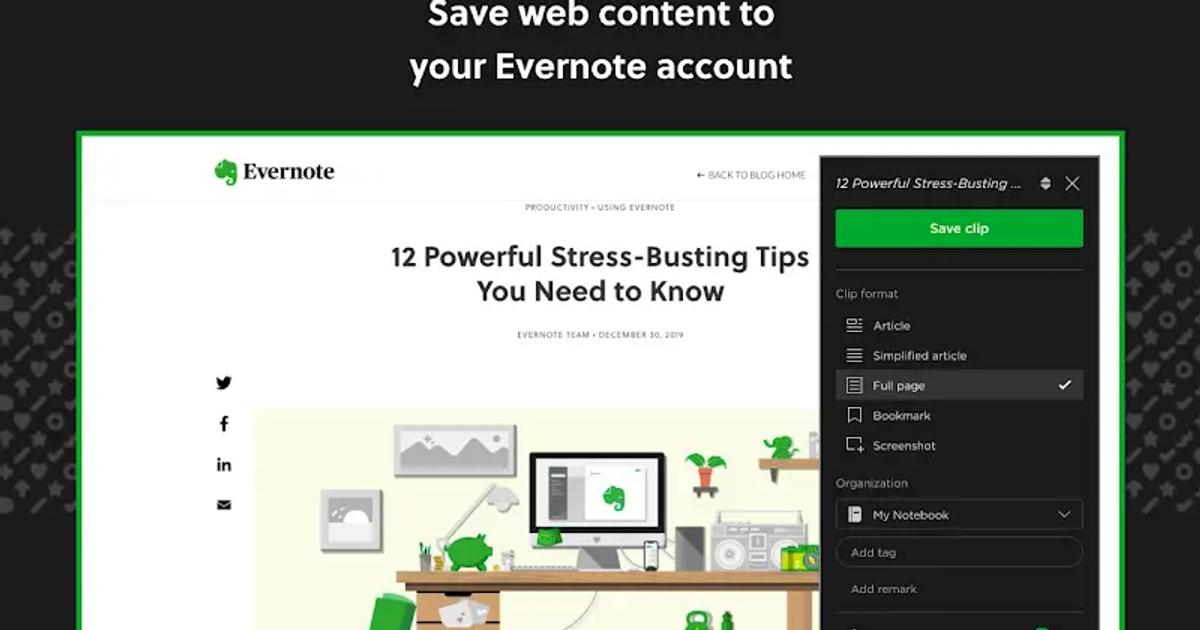
The Evernote Web Clipper lets you save articles, simplified versions of pages, bookmarks, or screenshots directly into Evernote. You can tag everything and sort it into notebooks, making it easy to find later. It also supports importing from Pocket.
If you already use Evernote, this is a smooth and familiar way to keep saving stuff online.

9. Matter
Matter is a newer read-it-later app that’s quickly gaining traction, especially among knowledge workers and deep readers.
"Matter improves vastly on earlier read-later apps like Pocker and Instapaper" - Matter
It offers a beautiful reading experience with highlighting, note-taking, and syncing across devices. You can also follow writers and newsletters directly in the app. Matter supports Pocket import, making migration easy.
It feels modern and focused — great for serious readers who want a calm space to read and reflect.

10. Obsidian Web Clipper

If you’re already using Obsidian, this one’s for you (also, if you haven't - Obsidian is great!).
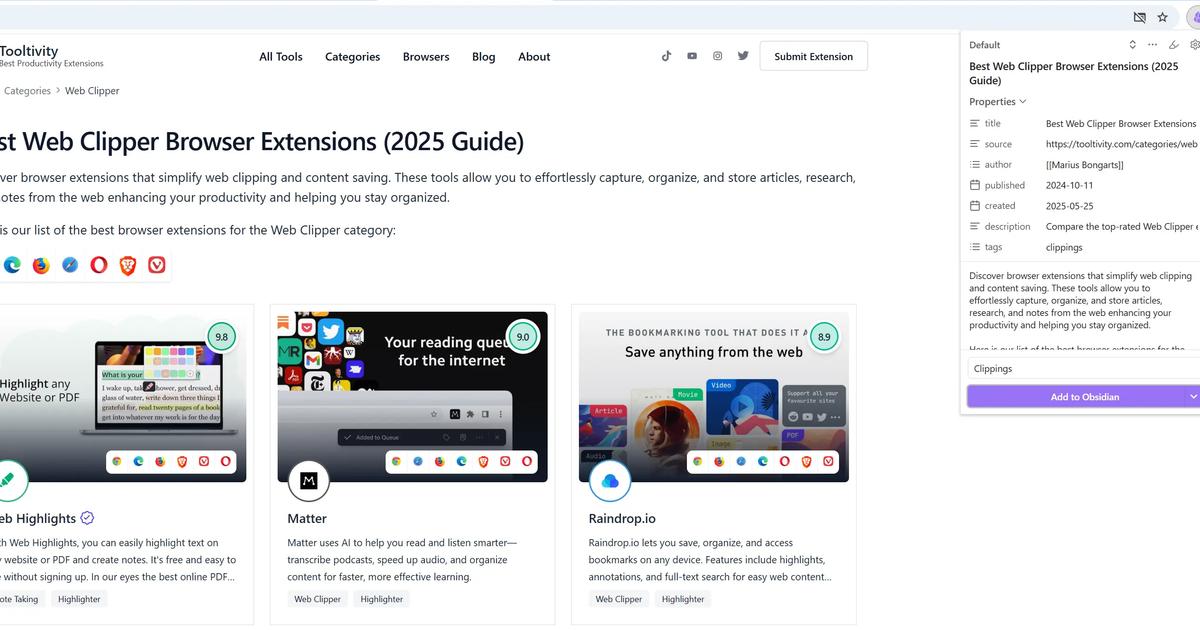
The Obsidian Web Clipper lets you save stuff from the web straight into your Obsidian notes. You can clip full articles, snippets of text, or just links — and they show up as simple Markdown files in your vault, so everything stays organized in one place.
It takes a little setup at the beginning, but once it's running, it works great. Perfect for anyone who’s already using Obsidian to keep track of their thoughts, notes, or research.

Which read-it-later app should you pick?
Ten options is a lot, so here’s the honest short version, depending on what Pocket actually did for you:
You mostly saved articles and read them later? Instapaper and Matter are the closest things to a true read-it-later app today — one-click save, a clean reading queue, offline access. Instapaper feels like Pocket’s calmer sibling; Matter is the modern, audio-friendly take.
You used Pocket as a bookmark collection that kept growing? Raindrop is the strongest pure bookmark manager on this list, and Web Highlights combines bookmarks with highlighting if you want your saves to be more than a pile of links.
You want to actually remember what you read? That’s the gap Pocket never filled — and it’s where Web Highlights takes a different path: highlight the parts that matter, add notes and tags, read saved pages offline in reader mode, and set email reminders to come back to a page. There’s no separate reading queue like Pocket had — the workflow is built around keeping and revisiting the parts you marked, not just the links.
Final Thoughts
Pocket shutting down might feel like the end of an era, but it’s also a great chance to try something new — and maybe even better.
If you want a clean, fast tool for saving and organizing content across the web, we highly recommend giving Web Highlights a try — especially if you like highlighting and sharing key takeaways from articles.
And if your main goal is simply to organize articles and come back to them later, Instapaper is a great alternative. It offers a clean reading experience, offline access, and works smoothly across devices.
Whatever your needs, there’s a solid alternative out there — and now’s the perfect time to make the switch.
 Marius Bongarts
Frequently Asked Questions
1. What is the best Pocket alternative?
It depends on what you used Pocket for. For a classic reading queue, Instapaper and Matter come closest. For organizing a growing bookmark collection, Raindrop is the strongest pick. If you want to highlight and remember what you read — not just save it — Web Highlights is the one to try (yes, it’s ours, so weigh that accordingly).
2. Is there a free Pocket alternative?
Yes — most tools on this list have usable free plans. Web Highlights is free for unlimited highlights, bookmarks, notes, and tags on your device (cloud sync across devices is part of the paid plans). Instapaper and Raindrop also offer solid free tiers for basic saving and reading.
3. Can I still export my Pocket data?
No. The export window closed on November 12, 2025, and Mozilla queued all remaining user data for deletion. But if you downloaded your export back then, that file still works: Web Highlights can import the CSV and the annotations JSON today.
4. What replaced Pocket in Firefox?
Mozilla folded parts of Pocket into Firefox itself: content recommendations on the new-tab page, Tab Groups, and improved bookmarks. There’s no separate Pocket-style app from Mozilla anymore — for saving and reading beyond the browser, you’ll need one of the tools above.
5. What is the best free read-it-later app?
Instapaper’s free plan covers the essentials: save, read in a clean layout, offline access. If “read it later” for you really means “read it, highlight it, and find it again months later,” Web Highlights’ free plan covers exactly that workflow — highlighting, notes, tags, and reader mode — without an account.